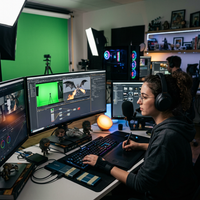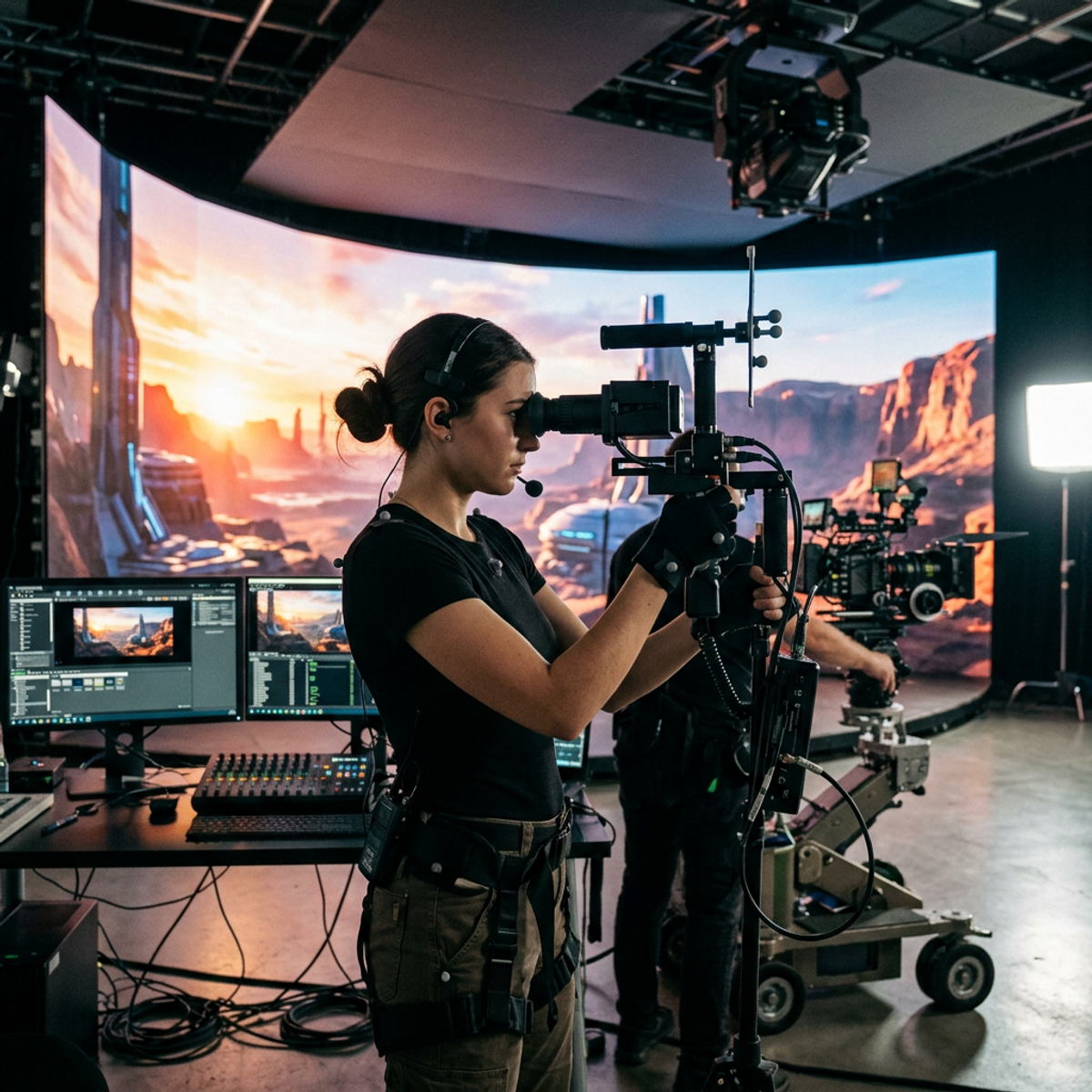
Create content using virtual environments This guide shows beginners how to start virtual production with a realistic first week, the gear that actually matters, and mistakes to skip. Difficulty: advanced. Category: Tech.
Why try Virtual Production
- Virtual Production is a tech hobby you can begin without a huge commitment.
- A advanced path means you can get a first result using Elgato Green Screen Collapsible Backdrop (chroma key).
- Major Hobbies curates three kits so you buy what you need for Virtual Production, not a whole store aisle.
Starter kits
Some links are Amazon Associates links. We may earn a commission at no extra cost to you.
Budget
Budget Virtual Production Starter
Entry-level virtual production setup using Unreal Engine (free) with a green screen, basic camera, and tracking tools to learn the fundamentals of real-time compositing.
$490-$600 estimated
- Elgato Green Screen Collapsible Backdrop (chroma key)$159
Wrinkle-resistant collapsible chroma key green screen — the fastest and most portable way to start virtual production at home. Sets up and collapses in seconds.
Amazon (affiliate)
- Logitech Brio 4K Webcam$119
Entry-level 4K camera input for Unreal Engine live compositing via OBS or NDI. Easy plug-and-play setup ideal for learning virtual production workflows.
Amazon (affiliate)
- Elgato Key Light (two-point lighting kit)$109
Consistent, even lighting is critical for clean green screen keying. The Key Light provides adjustable color temperature to match your virtual environment's lighting.
Amazon (affiliate)
- Razer Kiyo Ring Light Softbox (fill light)$59
Second light source to eliminate shadows on the green screen, which cause keying artifacts. Two lights are the minimum for usable chroma key footage.
Amazon (affiliate)
- Elgato Cam Link 4K HDMI Capture Card$99
Connects a DSLR/mirrorless camera to your PC for use as a clean HDMI video source inside Unreal Engine or OBS for virtual production compositing.
Amazon (affiliate)
- Unreal Engine 5 (Epic Games — Free Download)$0
The industry-standard real-time 3D engine for virtual production, used on productions like The Mandalorian. Free to download and use from Epic Games.
Amazon (affiliate)
Mid-range
Mid-Level Virtual Production Setup
A serious virtual production setup with a mirrorless camera, lens tracking, professional LED panel, and a capable GPU for real-time rendering in Unreal Engine 5.
$1630-$1995 estimated
- Sony ZV-E10 Mirrorless Camera Body$598
APS-C mirrorless camera with clean HDMI out and interchangeable lenses — ideal for virtual production as a higher-quality camera input than a webcam.
Amazon (affiliate)
- Sony E 16-50mm f/3.5-5.6 OSS Lens$248
Compact wide zoom lens for the Sony ZV-E10, providing flexible framing for virtual production compositing shots.
Amazon (affiliate)
- Elgato 4K60 Pro MK.2 Internal Capture Card$149
PCIe capture card for low-latency 4K60 camera input into Unreal Engine. Lower latency than USB-based capture solutions — critical for real-time virtual production.
Amazon (affiliate)
- Neewer 2-Pack 660 LED Video Light with Stand Kit$189
Bi-color LED panel kit with stands for professional 3-point lighting on green screen. Consistent, flicker-free output essential for clean keying.
Amazon (affiliate)
- Savage Seamless Background Paper 107" x 12yd (Chroma Green)$79
Professional wide-format chroma green seamless paper backdrop for full-body virtual production shots — wider and more professional than portable screens.
Amazon (affiliate)
- NVIDIA GeForce RTX 4070 12GB GPU$549
Real-time ray-traced rendering in Unreal Engine 5 demands GPU power. The RTX 4070 is the minimum recommended card for smooth virtual production at 1080p/4K.
Amazon (affiliate)
Premium kit (not a paid feature)
Professional Virtual Production Suite
Professional-grade virtual production setup with a cinema camera, hardware tracking system, LED volume panels, and a workstation-class GPU for broadcast-ready output.
$8135-$9950 estimated
- Blackmagic Design Pocket Cinema Camera 6K Pro$1,995
Professional cinema camera with 6K RAW recording, built-in ND filters, and clean HDMI/SDI output for virtual production pipelines. Used on professional sets.
Amazon (affiliate)
- NVIDIA GeForce RTX 4090 24GB GPU$1,599
The fastest consumer GPU available. Required for 4K real-time ray tracing in Unreal Engine 5 with complex virtual environments at broadcast frame rates.
Amazon (affiliate)
- OptiTrack Slim 3U Starter Kit (optical tracking system)$3,500
Professional sub-millimeter optical tracking system for camera and talent tracking in virtual production. Enables accurate real-time 3D compositing with moving cameras.
Amazon (affiliate)
- Aputure NOVA P600c RGBWW LED Panel$1,599
Cinema-grade RGBWW LED soft panel used on professional virtual sets to precisely match talent lighting to virtual environment lighting for photorealistic compositing.
Amazon (affiliate)
- Elgato 4K60 Pro MK.2 Internal Capture Card$149
Low-latency PCIe capture card for feeding cinema camera output into Unreal Engine in real time.
Amazon (affiliate)
- Savage Seamless 107" Chroma Green + Light Stand Background Support System$199
Professional wide-format seamless paper with crossbar support system for full-body, multi-person virtual production shots requiring a large, wrinkle-free key surface.
Amazon (affiliate)
Your first week of Virtual Production
- Day 1: Read this page and pick the budget kit for Virtual Production. Order or borrow Elgato Green Screen Collapsible Backdrop (chroma key).
- Day 2: Set up a small space. Watch one beginner demo specific to Virtual Production.
- Day 3: Do a 20–30 minute first session. Goal: finish something tiny, not perfect.
- Day 4: Rest or review notes. Log the session in Major Hobbies Track.
- Day 5: Second session. Repeat yesterday, 10% slower and cleaner.
- Day 6: Join the Virtual Production community or find a spot Near You.
- Day 7: Share one photo or note of what you made. Plan week two.
Tips
- Start with Budget Virtual Production Starter before upgrading.
- Protect your time: two short Virtual Production sessions beat one exhausted marathon.
- Take a photo of your setup so you can reset it next time.
- Ask one question in Community instead of buying more tools.
- If you stall, drop difficulty, not the hobby.
FAQ
How much does it cost to start Virtual Production?
Most beginners start around $490-$600 with the Budget Virtual Production Starter. Mid and premium kits exist when you know you will stick with Virtual Production.
Is Virtual Production good for beginners?
Virtual Production is listed as advanced, but you can still start with the budget kit and a short first week.
What do I need for Virtual Production?
Open the three starter kits on this page. The budget list is the honest minimum for Virtual Production.
Where can I do Virtual Production near me?
Use Near You on this page or majorhobbies.com/near?q=Virtual%20Production to find classes, studios, and venues.