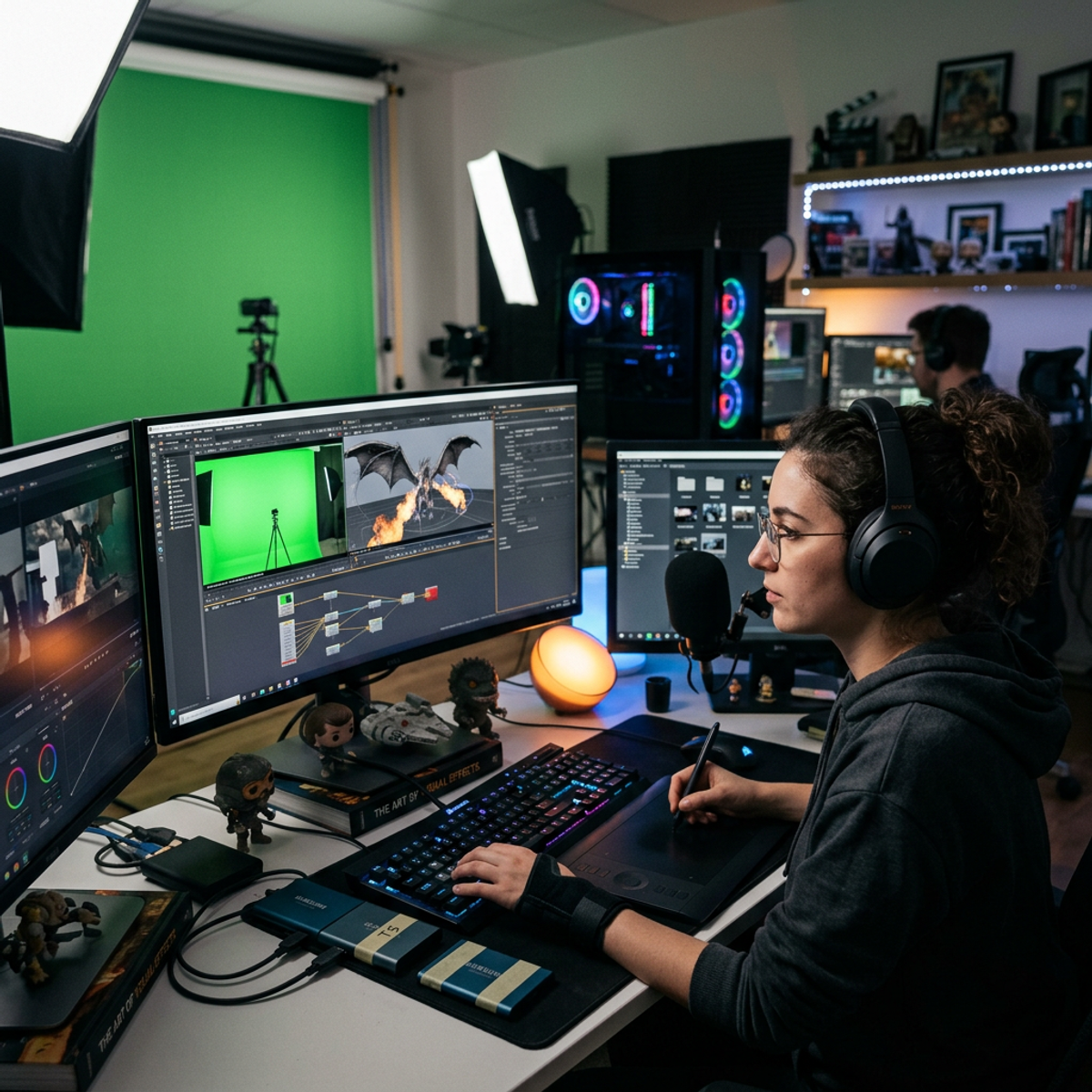
Create special effects for film and video This guide shows beginners how to start visual effects with a realistic first week, the gear that actually matters, and mistakes to skip. Difficulty: advanced. Category: Tech.
Why try Visual Effects
- Visual Effects is a tech hobby you can begin without a huge commitment.
- A advanced path means you can get a first result using Blackmagic Design DaVinci Resolve (Free Download).
- Major Hobbies curates three kits so you buy what you need for Visual Effects, not a whole store aisle.
Starter kits
Some links are Amazon Associates links. We may earn a commission at no extra cost to you.
Budget
Budget Starter
Free and low-cost tools to learn VFX fundamentals, compositing, and node-based workflows.
$145-$185 estimated
- Blackmagic Design DaVinci Resolve (Free Download)$0
Free version includes Fusion, a full node-based VFX compositor used in professional productions.
Amazon (affiliate)
- Blender (Free Download – Open Source 3D/VFX)$0
Free and open-source 3D software with full VFX compositing, motion tracking, and simulation tools.
Amazon (affiliate)
- Wacom Intuos Small Bluetooth Graphic Tablet (CTL-4100WL)$70
Needed for precision masking, rotoscoping, and node manipulation.
Amazon (affiliate)
- Logitech MK270 Wireless Keyboard and Mouse Combo$25
Efficient keyboard/mouse combo for navigating complex VFX node graphs and timelines.
Amazon (affiliate)
- VFX Fundamentals with Fusion – Udemy Course$15
Structured beginner course frequently discounted to ~$15 on Udemy.
Amazon (affiliate)
- SanDisk 512GB Portable SSD (SDSSDE30-512G)$55
Essential for storing large VFX project files, footage, and renders.
Amazon (affiliate)
Mid-range
Mid-Tier Enthusiast
A serious VFX setup with professional compositing software, a capable display, and more storage.
$735-$905 estimated
- Blackmagic Design DaVinci Resolve Studio (Full License)$295
One-time purchase unlocking advanced noise reduction, 3D tools, collaboration, and more.
Amazon (affiliate)
- Adobe After Effects (Monthly Subscription)$55
Industry-standard for compositing, keying, and motion VFX alongside Resolve.
Amazon (affiliate)
- Wacom Intuos Pro Medium Pen Tablet (PTH-660)$250
Professional tablet for precise rotoscoping and mask painting.
Amazon (affiliate)
- BenQ GW2480 24-Inch IPS Monitor$140
Accurate color rendering needed for evaluating composited VFX shots.
Amazon (affiliate)
- SanDisk 1TB Portable SSD (SDSSDE30-1T00)$80
Fast external drive to handle large multi-layer VFX project files.
Amazon (affiliate)
Premium kit (not a paid feature)
Premium Professional
Professional-grade VFX toolkit matching what is used in commercial film and TV production pipelines.
$1800-$2205 estimated
- Foundry Nuke Non-Commercial (Annual License)$599
The definitive node-based compositor used in Hollywood VFX studios; non-commercial license for learning.
Amazon (affiliate)
- Blackmagic Design DaVinci Resolve Studio (Full License)$295
Pairs with Nuke for color grading and Fusion compositing in a full VFX pipeline.
Amazon (affiliate)
- Wacom Cintiq 16 Drawing Tablet with Screen (DTK1660K0A)$650
Draw-on-screen tablet for high-precision rotoscoping and paint work.
Amazon (affiliate)
- ASUS ProArt PA278QV 27-Inch WQHD Monitor$330
Factory-calibrated 100% sRGB professional display for accurate VFX evaluation.
Amazon (affiliate)
- Samsung T7 Shield 2TB Portable SSD$130
High-capacity, high-speed storage for large VFX sequences and EXR frame caches.
Amazon (affiliate)
Your first week of Visual Effects
- Day 1: Read this page and pick the budget kit for Visual Effects. Order or borrow Blackmagic Design DaVinci Resolve (Free Download).
- Day 2: Set up a small space. Watch one beginner demo specific to Visual Effects.
- Day 3: Do a 20–30 minute first session. Goal: finish something tiny, not perfect.
- Day 4: Rest or review notes. Log the session in Major Hobbies Track.
- Day 5: Second session. Repeat yesterday, 10% slower and cleaner.
- Day 6: Join the Visual Effects community or find a spot Near You.
- Day 7: Share one photo or note of what you made. Plan week two.
Tips
- Start with Budget Starter before upgrading.
- Protect your time: two short Visual Effects sessions beat one exhausted marathon.
- Take a photo of your setup so you can reset it next time.
- Ask one question in Community instead of buying more tools.
- If you stall, drop difficulty, not the hobby.
FAQ
How much does it cost to start Visual Effects?
Most beginners start around $145-$185 with the Budget Starter. Mid and premium kits exist when you know you will stick with Visual Effects.
Is Visual Effects good for beginners?
Visual Effects is listed as advanced, but you can still start with the budget kit and a short first week.
What do I need for Visual Effects?
Open the three starter kits on this page. The budget list is the honest minimum for Visual Effects.
Where can I do Visual Effects near me?
Use Near You on this page or majorhobbies.com/near?q=Visual%20Effects to find classes, studios, and venues.