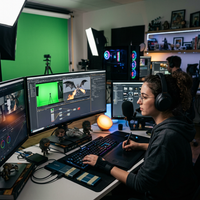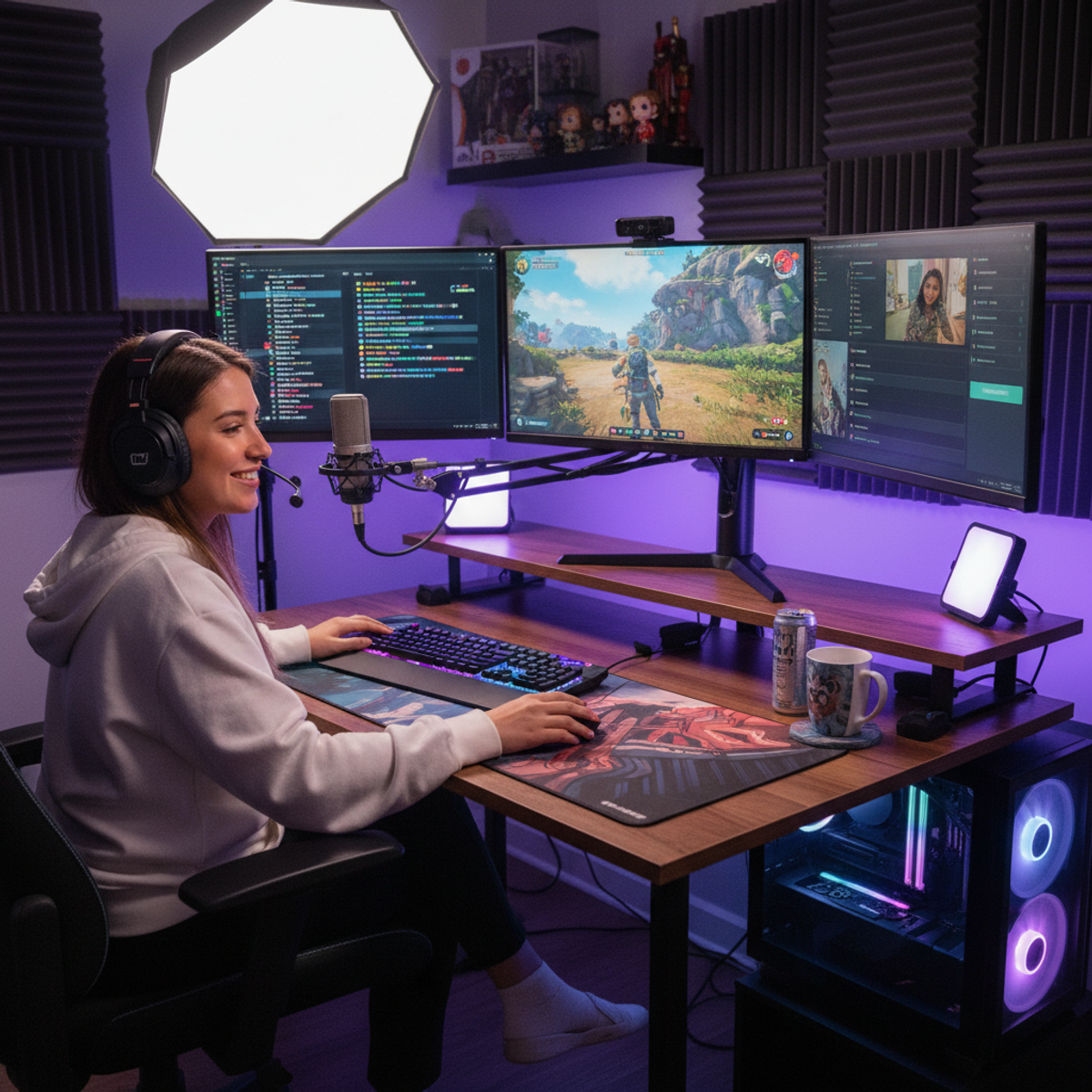
Stream gaming and creative content on Twitch This guide shows beginners how to start twitch streaming with a realistic first week, the gear that actually matters, and mistakes to skip. Difficulty: beginner. Category: Tech.
Why try Twitch Streaming
- Twitch Streaming is a tech hobby you can begin without a huge commitment.
- A beginner path means you can get a first result using Fifine USB Microphone K669B.
- Major Hobbies curates three kits so you buy what you need for Twitch Streaming, not a whole store aisle.
Starter kits
Some links are Amazon Associates links. We may earn a commission at no extra cost to you.
Budget
Budget Twitch Streaming Setup
The bare essentials to start streaming on Twitch from a PC. Gets you live with decent audio and basic visuals without breaking the bank.
$120-$150 estimated
- Fifine USB Microphone K669B$30
Plug-and-play USB mic that delivers clear voice audio — the single most important upgrade for any new streamer.
Amazon (affiliate)
- Logitech C270 HD Webcam 720p$25
Entry-level webcam for face cam. 720p is acceptable for beginner streams and widely supported by OBS.
Amazon (affiliate)
- OBS Studio (Free Software)$0
The industry-standard free and open-source streaming/recording software. Download at obsproject.com.
Amazon (affiliate)
- Mpow HC6 USB Wired Headset with Microphone$22
Backup/alternative if skipping a standalone mic. Lets you monitor your stream audio while chatting.
Amazon (affiliate)
- AmazonBasics USB 3.0 Extension Cable 6ft$9
Positions your webcam and mic at ideal distances from your PC without tangled short cables.
Amazon (affiliate)
- Elgato Stream Deck Mini (6-button)$50
Budget Stream Deck for scene switching and alerts. Not strictly required but dramatically improves stream control even at the beginner level.
Amazon (affiliate)
Mid-range
Mid-Tier Twitch Streaming Setup
A serious step up in audio, video, and control. This setup produces streams that look and sound professional enough to grow a real audience.
$365-$450 estimated
- Blue Yeti USB Microphone (Blackout)$100
The most popular streaming mic in the world. Multiple polar patterns and crystal-clear audio quality.
Amazon (affiliate)
- Logitech C920x HD Pro Webcam 1080p$70
Full 1080p/30fps face cam with autofocus. The go-to mid-range webcam for streamers and content creators.
Amazon (affiliate)
- Elgato Stream Deck MK.2 (15-button)$150
15 customizable LCD keys to switch scenes, trigger alerts, control music, and run macros mid-stream.
Amazon (affiliate)
- Neewer Ring Light 10-inch with Stand$36
Proper lighting makes even a mid-range webcam look great on stream. Eliminates dark or unflattering shadows.
Amazon (affiliate)
- Razer Kraken X USB Headset$50
Comfortable over-ear headset for long stream sessions. Lets you hear game audio and stream alerts clearly.
Amazon (affiliate)
Premium kit (not a paid feature)
Premium Twitch Streaming Setup
Enthusiast-grade, broadcast-quality streaming gear used by full-time Twitch Partners and professional content creators.
$1725-$2110 estimated
- Shure SM7B Dynamic Vocal Microphone$399
The legendary broadcast microphone used by Joe Rogan and top streamers. Requires an audio interface (included below).
Amazon (affiliate)
- Focusrite Scarlett Solo 3rd Gen USB Audio Interface$120
Required to power the SM7B. Converts XLR to USB with ultra-low-latency, studio-grade preamps.
Amazon (affiliate)
- Sony ZV-1 Digital Camera (as Webcam via USB)$748
Premium compact camera used as a DSLR-quality webcam. Produces a beautiful shallow depth-of-field look no webcam can match.
Amazon (affiliate)
- Elgato Key Light (2-pack)$200
App-controlled professional LED panel lighting. Two lights eliminate all shadows for a broadcast-studio look.
Amazon (affiliate)
- Elgato Stream Deck XL (32-button)$250
32 LCD keys for full professional stream control — scenes, alerts, social media posts, music, and more.
Amazon (affiliate)
- Elgato 4K60 Pro MK.2 PCIe Capture Card$200
For console streamers or dual-PC setups. Captures 4K60 HDR footage from PS5/Xbox with zero encoding lag on the gaming PC.
Amazon (affiliate)
Your first week of Twitch Streaming
- Day 1: Read this page and pick the budget kit for Twitch Streaming. Order or borrow Fifine USB Microphone K669B.
- Day 2: Set up a small space. Watch one beginner demo specific to Twitch Streaming.
- Day 3: Do a 20–30 minute first session. Goal: finish something tiny, not perfect.
- Day 4: Rest or review notes. Log the session in Major Hobbies Track.
- Day 5: Second session. Repeat yesterday, 10% slower and cleaner.
- Day 6: Join the Twitch Streaming community or find a spot Near You.
- Day 7: Share one photo or note of what you made. Plan week two.
Tips
- Start with Budget Twitch Streaming Setup before upgrading.
- Protect your time: two short Twitch Streaming sessions beat one exhausted marathon.
- Take a photo of your setup so you can reset it next time.
- Ask one question in Community instead of buying more tools.
- If you stall, drop difficulty, not the hobby.
FAQ
How much does it cost to start Twitch Streaming?
Most beginners start around $120-$150 with the Budget Twitch Streaming Setup. Mid and premium kits exist when you know you will stick with Twitch Streaming.
Is Twitch Streaming good for beginners?
Yes. Twitch Streaming is marked beginner-friendly on Major Hobbies.
What do I need for Twitch Streaming?
Open the three starter kits on this page. The budget list is the honest minimum for Twitch Streaming.
Where can I do Twitch Streaming near me?
Use Near You on this page or majorhobbies.com/near?q=Twitch%20Streaming to find classes, studios, and venues.