Create art with pixel-by-pixel techniques This guide shows beginners how to start pixel art with a realistic first week, the gear that actually matters, and mistakes to skip. Difficulty: beginner. Category: Creative.
Why try Pixel Art
- Pixel Art is a creative hobby you can begin without a huge commitment.
- A beginner path means you can get a first result using Aseprite (Pixel Art & Animation Tool).
- Major Hobbies curates three kits so you buy what you need for Pixel Art, not a whole store aisle.
Starter kits
Some links are Amazon Associates links. We may earn a commission at no extra cost to you.
Budget
Budget Pixel Art Starter
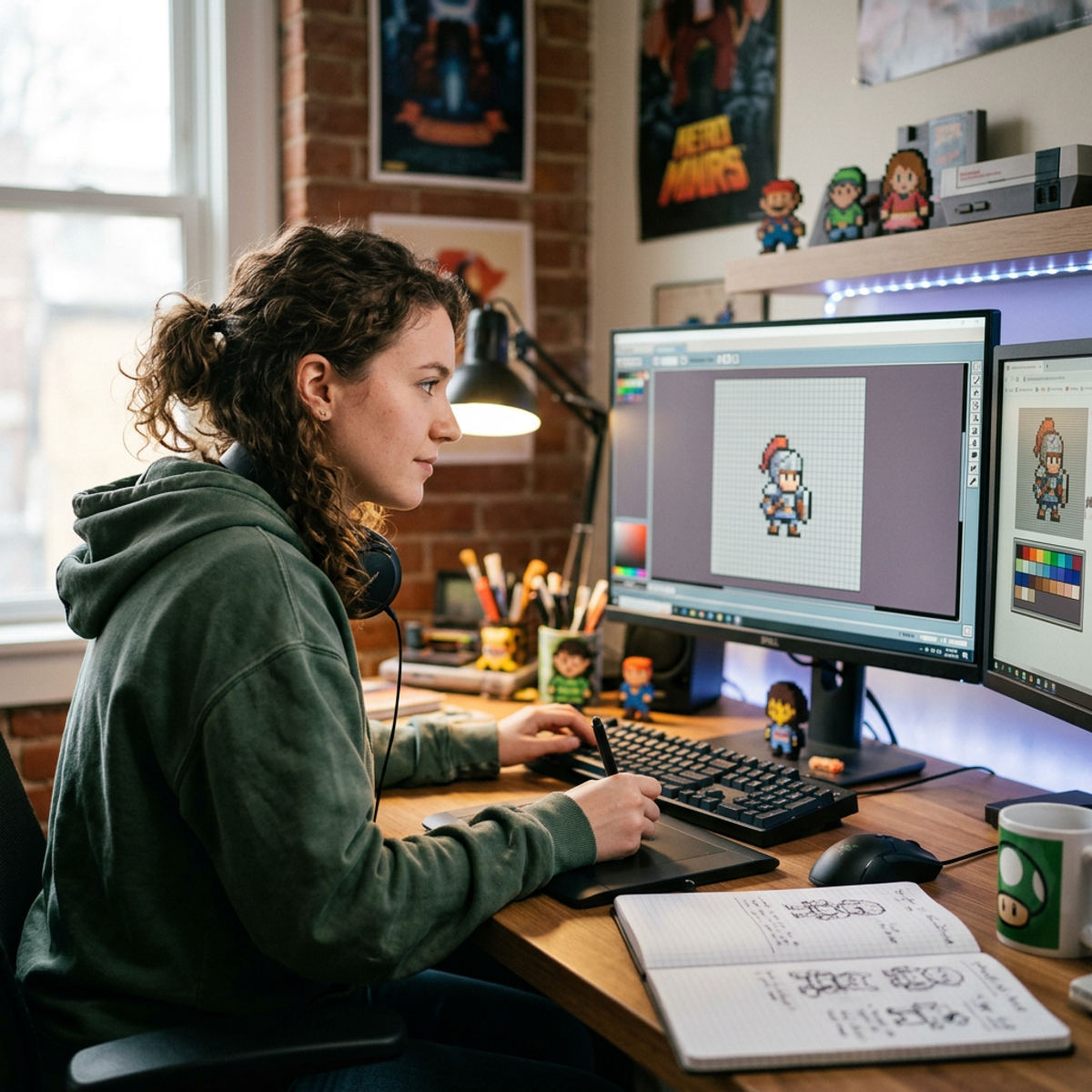
Pixel art is one of the most accessible creative hobbies — free software runs on virtually any PC or laptop, and you can start with nothing but a mouse.
$35-$50 estimated
- Aseprite (Pixel Art & Animation Tool)$19.99
The #1 dedicated pixel art application used by indie game developers and pixel artists worldwide. One-time purchase. Alternatively, compile it free from GitHub.
Amazon (affiliate)
- Logitech M100 Wired USB Mouse$9.99
A basic optical mouse is all you need to place pixels with precision. No tablet required for pixel art — a mouse is often preferred.
Amazon (affiliate)
- Logitech K120 Wired USB Keyboard$12.99
Keyboard shortcut fluency is essential in Aseprite. A basic full-size keyboard with number keys lets you access all hotkeys easily.
Amazon (affiliate)
Mid-range
Mid-Tier Pixel Art Setup
A more comfortable and productive setup with a better display for accurate color work and an optional tablet for smoother freehand pixel strokes.
$125-$155 estimated
- Aseprite (Pixel Art & Animation Tool)$19.99
Essential purchase — the best pixel art tool available. Supports animation, layers, palettes, and tilemap workflows.
Amazon (affiliate)
- Wacom One CTL-472 Small Graphics Tablet$49.95
While a mouse works fine, a tablet lets you sketch freehand reference shapes before converting to pixel art. Great for hybrid workflows.
Amazon (affiliate)
- Logitech MX Master 3S Wireless Mouse$44.99
Precision optical tracking at 8000 DPI with electromagnetic scroll wheel. For pixel-perfect mouse-based placement, this is a significant upgrade.
Amazon (affiliate)
- Pantone Color Bridge Guide (Coated GP6102A)$24.99
Physical color reference guide. Pixel art relies heavily on deliberate limited palettes — having a physical color reference trains your eye for intentional palette choices.
Amazon (affiliate)
Premium kit (not a paid feature)
Premium Pixel Art Workstation
A color-accurate IPS monitor, the best pixel art software suite, and an ergonomic precision mouse for artists creating assets professionally for games or NFTs.
$355-$440 estimated
- ASUS ProArt PA248CRV 24.1" IPS Monitor$249.99
100% sRGB coverage, Delta E < 2 factory calibration. Pixel art color palettes must look correct — a color-accurate IPS panel ensures your work looks the same on other screens.
Amazon (affiliate)
- Aseprite (Pixel Art & Animation Tool)$19.99
Non-negotiable cornerstone of any serious pixel art setup. Supports scripting, Lua extensions, and full animation with onion skinning.
Amazon (affiliate)
- Logitech G Pro X Superlight 2 Wireless Mouse$79.99
HERO 2 sensor with near-zero latency and ultra-lightweight 60g body. For mouse-based pixel placement, this offers the highest precision available.
Amazon (affiliate)
- Logitech MX Keys S Wireless Keyboard$49.99
Backlit low-profile keys with perfect tactile feedback for hotkey-heavy workflows. Aseprite's keyboard shortcuts become second nature on a quality keyboard like this.
Amazon (affiliate)
Your first week of Pixel Art
- Day 1: Read this page and pick the budget kit for Pixel Art. Order or borrow Aseprite (Pixel Art & Animation Tool).
- Day 2: Set up a small space. Watch one beginner demo specific to Pixel Art.
- Day 3: Do a 20–30 minute first session. Goal: finish something tiny, not perfect.
- Day 4: Rest or review notes. Log the session in Major Hobbies Track.
- Day 5: Second session. Repeat yesterday, 10% slower and cleaner.
- Day 6: Join the Pixel Art community or find a spot Near You.
- Day 7: Share one photo or note of what you made. Plan week two.
Tips
- Start with Budget Pixel Art Starter before upgrading.
- Protect your time: two short Pixel Art sessions beat one exhausted marathon.
- Take a photo of your setup so you can reset it next time.
- Ask one question in Community instead of buying more tools.
- If you stall, drop difficulty, not the hobby.
FAQ
How much does it cost to start Pixel Art?
Most beginners start around $35-$50 with the Budget Pixel Art Starter. Mid and premium kits exist when you know you will stick with Pixel Art.
Is Pixel Art good for beginners?
Yes. Pixel Art is marked beginner-friendly on Major Hobbies.
What do I need for Pixel Art?
Open the three starter kits on this page. The budget list is the honest minimum for Pixel Art.
Where can I do Pixel Art near me?
Use Near You on this page or majorhobbies.com/near?q=Pixel%20Art to find classes, studios, and venues.