Master the art of capturing stunning portraits and headshots This guide shows beginners how to start portrait photography with a realistic first week, the gear that actually matters, and mistakes to skip. Difficulty: intermediate. Category: Creative.
Why try Portrait Photography
- Portrait Photography is a creative hobby you can begin without a huge commitment.
- A intermediate path means you can get a first result using DSLR or Mirrorless Camera (used).
- Major Hobbies curates three kits so you buy what you need for Portrait Photography, not a whole store aisle.
Starter kits
Some links are Amazon Associates links. We may earn a commission at no extra cost to you.
Budget
Beginner Portraitist
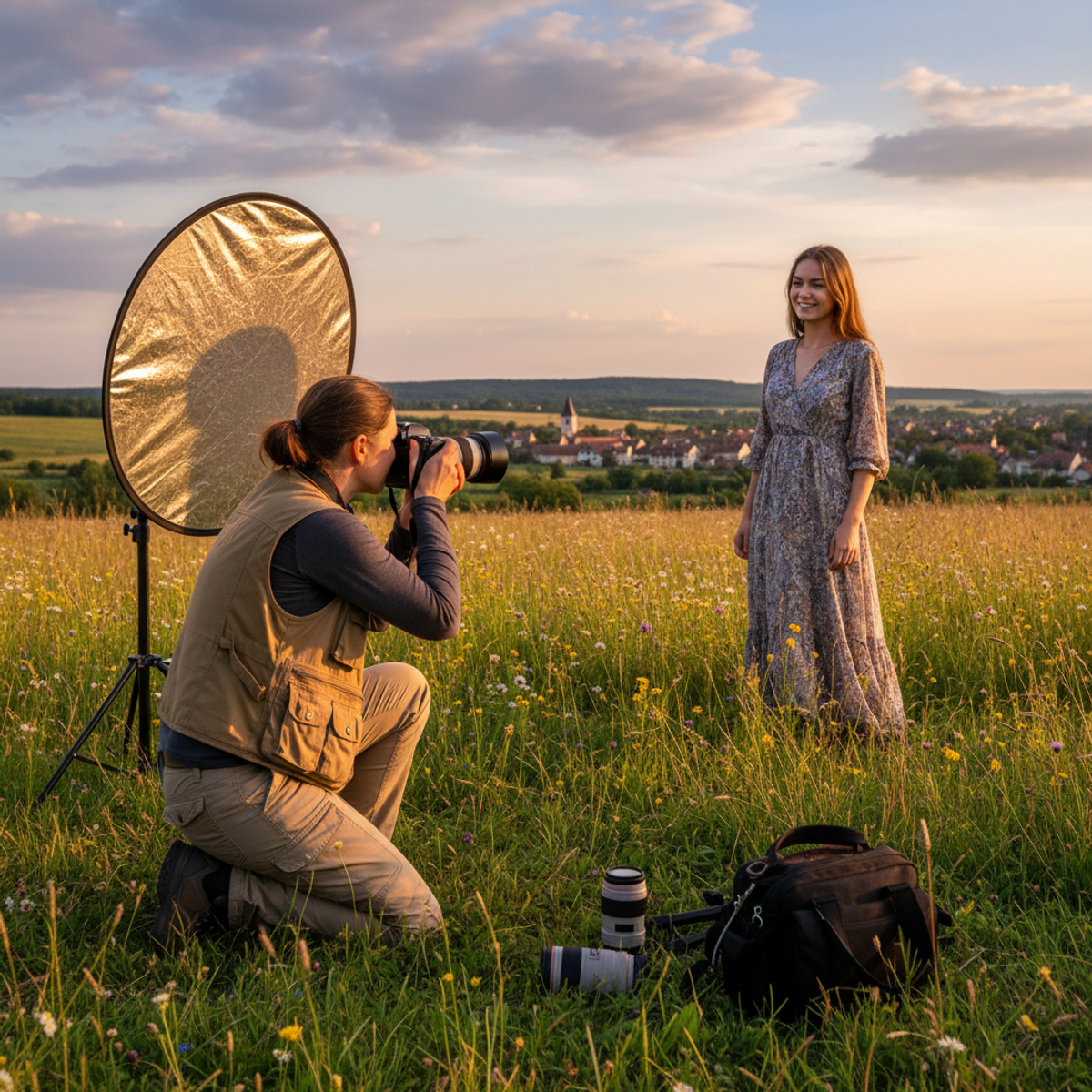
Essential camera and lighting to start portrait work
$200-$400 estimated
Mid-range
Professional Portrait Kit
Quality gear for professional portrait sessions
$800-$1500 estimated
Premium kit (not a paid feature)
Studio Master Collection
Professional studio setup with high-end equipment
$3000-$5000 estimated
Your first week of Portrait Photography
- Day 1: Read this page and pick the budget kit for Portrait Photography. Order or borrow DSLR or Mirrorless Camera (used).
- Day 2: Set up a small space. Watch one beginner demo specific to Portrait Photography.
- Day 3: Do a 20–30 minute first session. Goal: finish something tiny, not perfect.
- Day 4: Rest or review notes. Log the session in Major Hobbies Track.
- Day 5: Second session. Repeat yesterday, 10% slower and cleaner.
- Day 6: Join the Portrait Photography community or find a spot Near You.
- Day 7: Share one photo or note of what you made. Plan week two.
Tips
- Start with Beginner Portraitist before upgrading.
- Protect your time: two short Portrait Photography sessions beat one exhausted marathon.
- Take a photo of your setup so you can reset it next time.
- Ask one question in Community instead of buying more tools.
- If you stall, drop difficulty, not the hobby.
FAQ
How much does it cost to start Portrait Photography?
Most beginners start around $200-$400 with the Beginner Portraitist. Mid and premium kits exist when you know you will stick with Portrait Photography.
Is Portrait Photography good for beginners?
Portrait Photography is listed as intermediate, but you can still start with the budget kit and a short first week.
What do I need for Portrait Photography?
Open the three starter kits on this page. The budget list is the honest minimum for Portrait Photography.
Where can I do Portrait Photography near me?
Use Near You on this page or majorhobbies.com/near?q=Portrait%20Photography to find classes, studios, and venues.