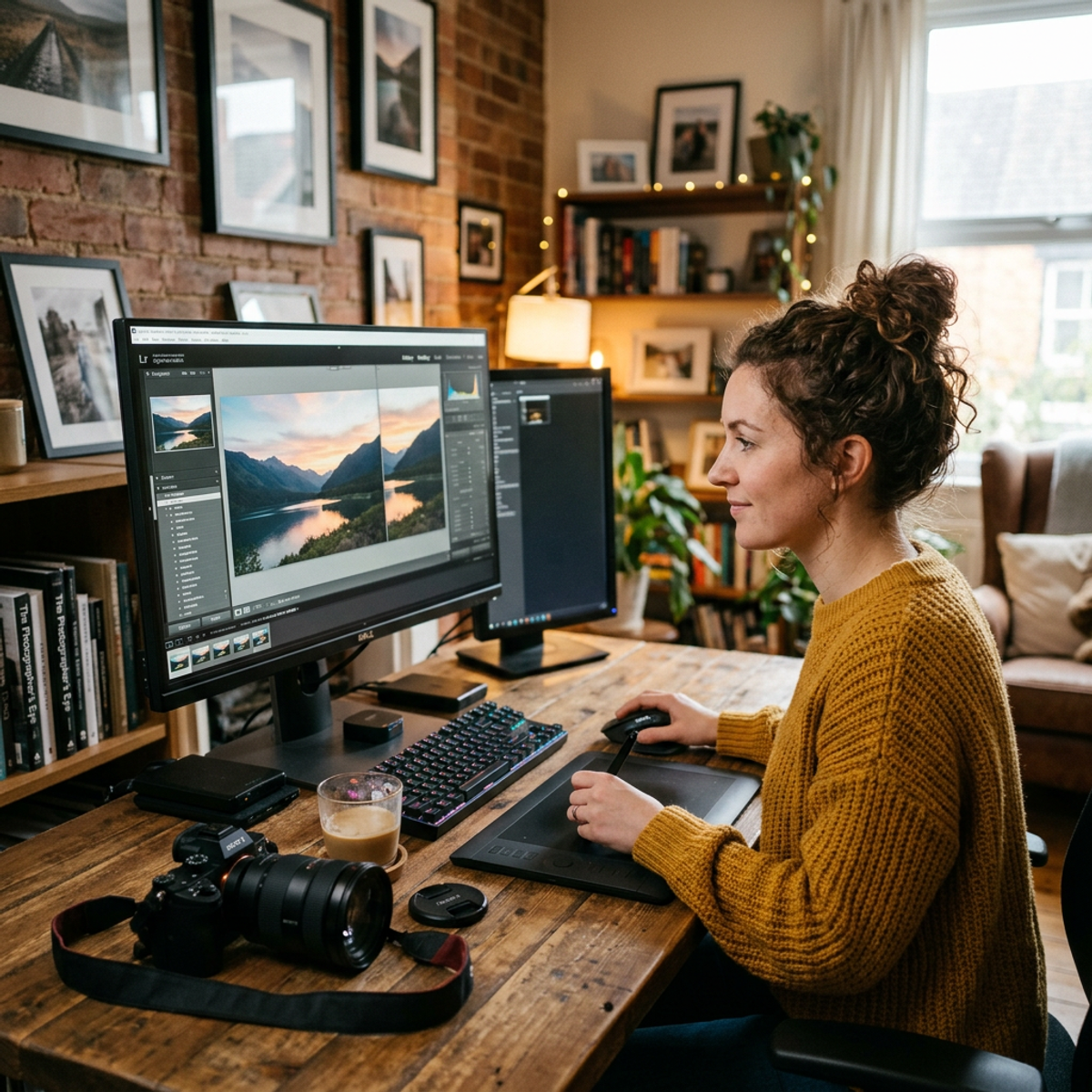
Edit and enhance photographs This guide shows beginners how to start photography editing with a realistic first week, the gear that actually matters, and mistakes to skip. Difficulty: beginner. Category: Creative.
Why try Photography Editing
- Photography Editing is a creative hobby you can begin without a huge commitment.
- A beginner path means you can get a first result using Adobe Lightroom Classic (1-month subscription).
- Major Hobbies curates three kits so you buy what you need for Photography Editing, not a whole store aisle.
Starter kits
Some links are Amazon Associates links. We may earn a commission at no extra cost to you.
Budget
Budget Starter
Everything a beginner needs to start editing photos on a tight budget using affordable software and essential peripherals.
$195-$240 estimated
- Adobe Lightroom Classic (1-month subscription)$10
Industry-standard photo editing software; monthly plan keeps upfront cost low for beginners.
Amazon (affiliate)
- Logitech M510 Wireless Mouse$30
Comfortable, precise mouse essential for detailed editing work; huge upgrade over trackpads.
Amazon (affiliate)
- SanDisk 128GB Ultra USB 3.0 Flash Drive$18
Needed to transfer RAW files from camera to computer quickly and reliably.
Amazon (affiliate)
- Wacom Intuos Small Bluetooth Pen Tablet (CTL-4100WL)$70
Entry-level pen tablet for precise masking, dodging, and burning — a game changer over mouse editing.
Amazon (affiliate)
- Spyder X Express Monitor Calibrator$89
Ensures your monitor displays accurate colors so your edits look correct when printed or shared.
Amazon (affiliate)
Mid-range
Mid-Level Enthusiast
A serious step up with a better editing tablet, color-accurate monitor, and professional software suite for committed beginners.
$650-$800 estimated
- Adobe Creative Cloud Photography Plan (1-year)$120
Includes both Lightroom and Photoshop — the full professional editing toolkit at the best annual rate.
Amazon (affiliate)
- Wacom Intuos Medium Bluetooth Pen Tablet (CTL-6100WL)$100
Medium drawing surface gives more natural, comfortable pen movement for detailed retouching.
Amazon (affiliate)
- BenQ SW240 24" IPS Photo Editing Monitor$300
99% sRGB and 95% DCI-P3 color gamut coverage purpose-built for photo editing accuracy.
Amazon (affiliate)
- Spyder X Pro Monitor Calibrator$130
More advanced calibration than Express; includes ambient light compensation for studio accuracy.
Amazon (affiliate)
- WD 2TB My Passport Portable External SSD$75
Dedicated drive for your photo library — keeps your system drive fast and your files backed up.
Amazon (affiliate)
Premium kit (not a paid feature)
Premium Professional
Best-in-class setup used by professional retouchers and photographers — color-accurate display, pro-grade tablet, and full software stack.
$2020-$2475 estimated
- Adobe Creative Cloud All Apps Plan (1-year)$600
Full suite including Photoshop, Lightroom, Bridge, and Camera Raw — everything pros use.
Amazon (affiliate)
- Wacom Cintiq 16 Creative Pen Display (DTK1660K0A)$650
Draw directly on screen with 8,192 levels of pressure sensitivity — the professional retoucher's tool.
Amazon (affiliate)
- ASUS ProArt PA278QV 27" Professional Monitor$350
Factory-calibrated, 100% sRGB, Delta E < 2 — reference-grade color accuracy out of the box.
Amazon (affiliate)
- X-Rite i1Display Studio Monitor Calibrator$170
Professional-grade colorimeter trusted by studios for the most precise monitor profiling available.
Amazon (affiliate)
- Samsung T7 Shield 4TB Portable SSD$180
Fast, rugged SSD for a massive photo archive with USB 3.2 Gen 2 speeds up to 1,050 MB/s.
Amazon (affiliate)
- Capture One Pro (Perpetual License)$299
Preferred by studio and fashion photographers over Lightroom for its superior RAW processing engine.
Amazon (affiliate)
Your first week of Photography Editing
- Day 1: Read this page and pick the budget kit for Photography Editing. Order or borrow Adobe Lightroom Classic (1-month subscription).
- Day 2: Set up a small space. Watch one beginner demo specific to Photography Editing.
- Day 3: Do a 20–30 minute first session. Goal: finish something tiny, not perfect.
- Day 4: Rest or review notes. Log the session in Major Hobbies Track.
- Day 5: Second session. Repeat yesterday, 10% slower and cleaner.
- Day 6: Join the Photography Editing community or find a spot Near You.
- Day 7: Share one photo or note of what you made. Plan week two.
Tips
- Start with Budget Starter before upgrading.
- Protect your time: two short Photography Editing sessions beat one exhausted marathon.
- Take a photo of your setup so you can reset it next time.
- Ask one question in Community instead of buying more tools.
- If you stall, drop difficulty, not the hobby.
FAQ
How much does it cost to start Photography Editing?
Most beginners start around $195-$240 with the Budget Starter. Mid and premium kits exist when you know you will stick with Photography Editing.
Is Photography Editing good for beginners?
Yes. Photography Editing is marked beginner-friendly on Major Hobbies.
What do I need for Photography Editing?
Open the three starter kits on this page. The budget list is the honest minimum for Photography Editing.
Where can I do Photography Editing near me?
Use Near You on this page or majorhobbies.com/near?q=Photography%20Editing to find classes, studios, and venues.