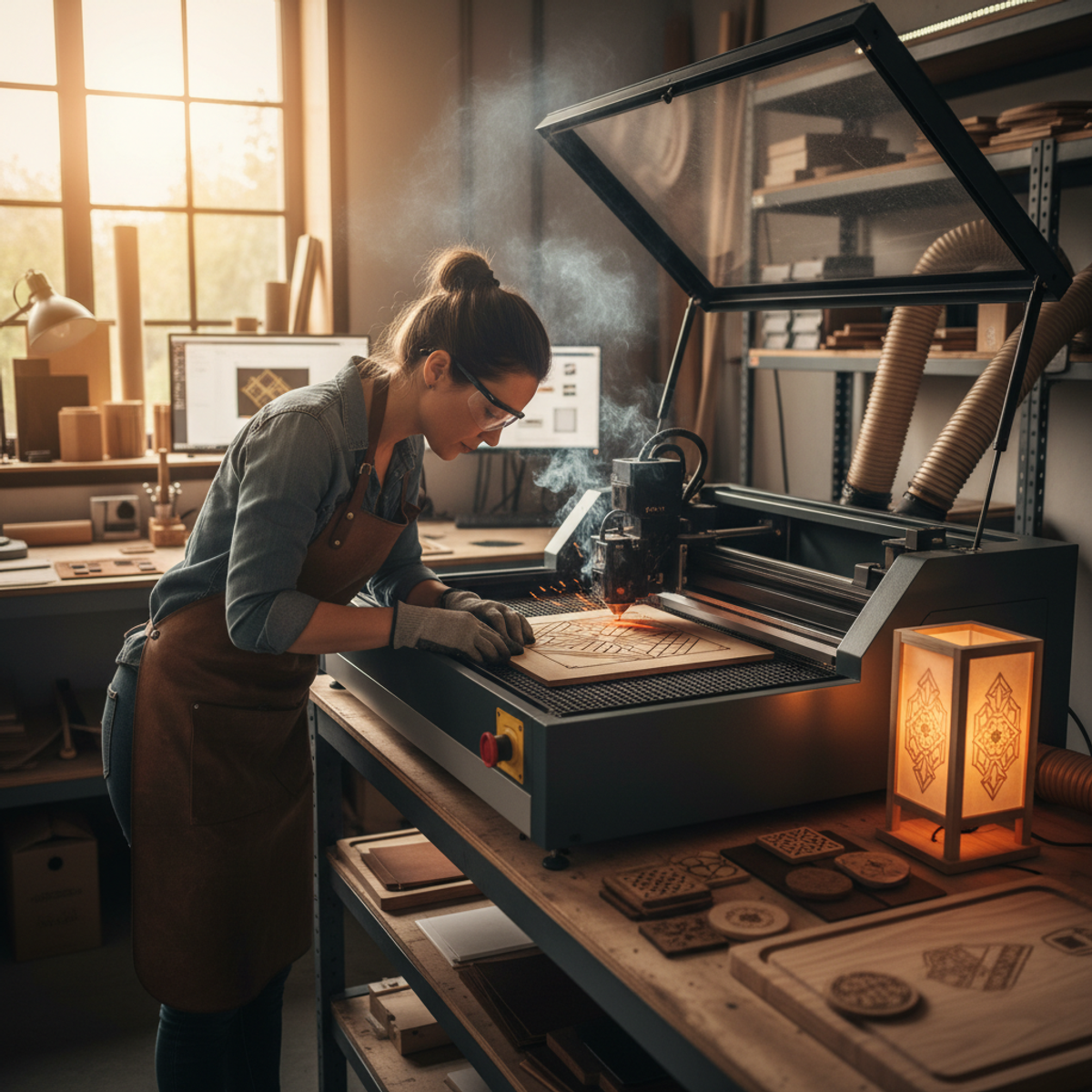
Use a diode or CO2 laser to engrave custom designs onto wood, leather, glass, anodized aluminum, and more. Laser engravers are the fastest path from digital design to physical product. This guide shows beginners how to start laser engraving with a realistic first week, the gear that actually matters, and mistakes to skip. Difficulty: beginner. Category: Tech.
Why try Laser Engraving
- Laser Engraving is a tech hobby you can begin without a huge commitment.
- A beginner path means you can get a first result using xTool M1 10W Diode Laser Engraver (Basic).
- Major Hobbies curates three kits so you buy what you need for Laser Engraving, not a whole store aisle.
Starter kits
Some links are Amazon Associates links. We may earn a commission at no extra cost to you.
Budget
Entry-Level Desktop Engraver Kit
Everything needed to start laser engraving wood, leather, cardboard, and coated metals at home. Centers around a plug-and-play diode laser that works with free software.
$215-$270 estimated
- xTool M1 10W Diode Laser Engraver (Basic)$169
Best beginner laser engraver under $200. Enclosed design, plug-and-play USB, compatible with free LightBurn trial and xTool Creative Space software. Engrave wood, leather, acrylic, and more.
Amazon (affiliate)
- Basswood Plywood Sheets 3mm (40-Pack, 12"x8")$28
The best beginner material for laser engraving. Burns cleanly and evenly. 40 sheets gives plenty of room to practice and make real projects.
Amazon (affiliate)
- 3M Half Facepiece Respirator 6502QL with Organic Vapor Cartridges$35
CRITICAL SAFETY ITEM. Laser engraving produces toxic fumes. This respirator filters VOCs and particulates. Never engrave without respiratory protection.
Amazon (affiliate)
- UVEX S0360X Ultra-spec 2000 Safety Glasses (OD 5+ 190-400nm)$10
Laser-rated OD 5+ protective glasses for the wavelength of diode lasers (400-450nm). Required safety gear even with enclosed machines.
Amazon (affiliate)
Mid-range
Serious Hobbyist Engraving Studio
A meaningful step up with a more powerful open-frame laser, professional software, fume extraction, and a wider material range including slate, anodized aluminum, and thick wood.
$630-$775 estimated
- xTool D1 Pro 20W Diode Laser Engraver (20W Output)$380
High-power open-frame diode laser with 0.08mm precision and 20W output for cutting up to 15mm wood and engraving on metals. Includes offline controller and rotary adapter port.
Amazon (affiliate)
- LightBurn Software License (Perpetual, 1 Year Updates)$60
The industry-standard laser control and design software. Far superior to bundled apps — used by hobbyists and professionals alike. One-time purchase with 1 year of free updates.
Amazon (affiliate)
- VEVOR Laser Engraver Fume Extractor Purifier (400 CFM)$120
Dedicated fume extraction unit with activated carbon + HEPA filtration. Essential when working with an open-frame machine. Safer and quieter than DIY exhaust fans.
Amazon (affiliate)
- Honeycomb Laser Bed Platform (400x400mm)$35
Provides airflow under materials for cleaner cuts and prevents back-burn marks. A must-have accessory for any open-frame laser setup.
Amazon (affiliate)
- xTool RA2 Pro Rotary Attachment (4-in-1)$109
Enables engraving on cylindrical objects like cups, bottles, rings, and balls. Massively expands what products you can create and sell.
Amazon (affiliate)
Premium kit (not a paid feature)
Professional Laser Engraving Studio
Professional-grade CO2 laser engraver with full enclosure, air assist, and advanced software. Capable of production-level work on wood, acrylic, glass, leather, stone, and coated metals.
$1480-$1815 estimated
- xTool S1 40W Enclosed Diode Laser Cutter & Engraver$1,099
The best enclosed diode laser for serious hobbyists and small businesses. 40W output, built-in fume filtration, camera positioning, and passthrough slot for oversized material. Rivals entry CO2 machines.
Amazon (affiliate)
- LightBurn Software Pro License + Camera Bundle$150
Full LightBurn Pro license plus LightBurn Camera for precise visual alignment on the work surface. Essential for production accuracy and repeat jobs.
Amazon (affiliate)
- VEVOR Fume Extractor Industrial 550W with HEPA + Carbon Filter$180
Industrial-grade fume purifier rated for continuous CO2/diode laser use. Multi-stage filtration handles volume production safely.
Amazon (affiliate)
- xTool RA2 Pro 4-in-1 Rotary Attachment$109
Supports roller, chuck, sphere, and ring modes. Expands engraving to cups, tumblers, wine glasses, rings, and spheres for a full product catalog.
Amazon (affiliate)
- Cermark LMM-6000 Metal Marking Spray (12oz)$65
Professional metal marking compound that lets diode lasers permanently mark stainless steel, titanium, and chrome. Opens up high-value custom metal engraving work.
Amazon (affiliate)
- Acrylic Sheet Assortment Pack (12"x12", 20-Pack, Mixed Colors)$45
Cast acrylic sheets in assorted colors for signs, awards, and decorative items. One of the highest-value materials for laser-cut and engraved products.
Amazon (affiliate)
Your first week of Laser Engraving
- Day 1: Read this page and pick the budget kit for Laser Engraving. Order or borrow xTool M1 10W Diode Laser Engraver (Basic).
- Day 2: Set up a small space. Watch one beginner demo specific to Laser Engraving.
- Day 3: Do a 20–30 minute first session. Goal: finish something tiny, not perfect.
- Day 4: Rest or review notes. Log the session in Major Hobbies Track.
- Day 5: Second session. Repeat yesterday, 10% slower and cleaner.
- Day 6: Join the Laser Engraving community or find a spot Near You.
- Day 7: Share one photo or note of what you made. Plan week two.
Tips
- Start with Entry-Level Desktop Engraver Kit before upgrading.
- Protect your time: two short Laser Engraving sessions beat one exhausted marathon.
- Take a photo of your setup so you can reset it next time.
- Ask one question in Community instead of buying more tools.
- If you stall, drop difficulty, not the hobby.
FAQ
How much does it cost to start Laser Engraving?
Most beginners start around $215-$270 with the Entry-Level Desktop Engraver Kit. Mid and premium kits exist when you know you will stick with Laser Engraving.
Is Laser Engraving good for beginners?
Yes. Laser Engraving is marked beginner-friendly on Major Hobbies.
What do I need for Laser Engraving?
Open the three starter kits on this page. The budget list is the honest minimum for Laser Engraving.
Where can I do Laser Engraving near me?
Use Near You on this page or majorhobbies.com/near?q=Laser%20Engraving to find classes, studios, and venues.