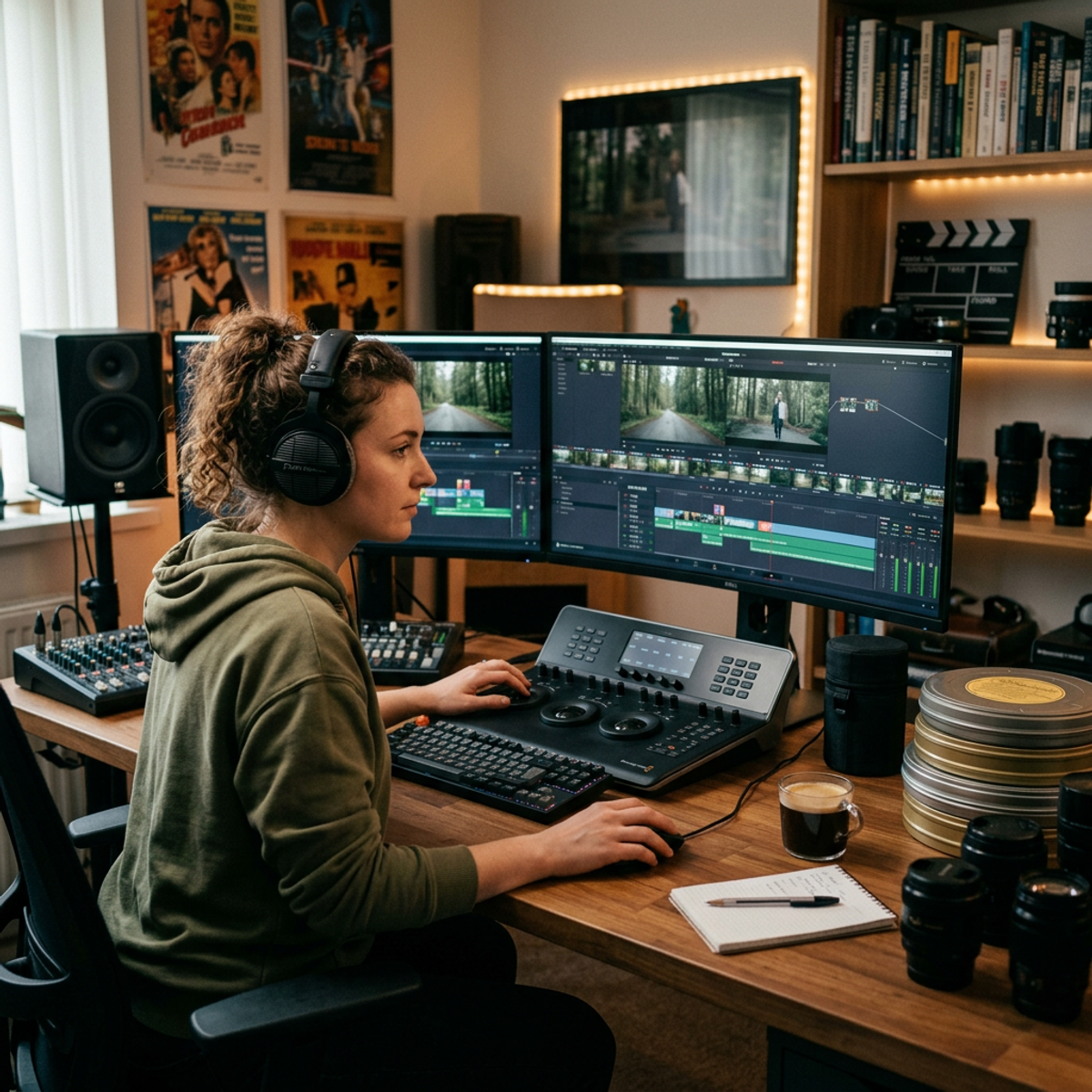
Edit films and create compelling sequences This guide shows beginners how to start film editing with a realistic first week, the gear that actually matters, and mistakes to skip. Difficulty: intermediate. Category: Creative.
Why try Film Editing
- Film Editing is a creative hobby you can begin without a huge commitment.
- A intermediate path means you can get a first result using DaVinci Resolve 19 (Free Version) – Digital Download.
- Major Hobbies curates three kits so you buy what you need for Film Editing, not a whole store aisle.
Starter kits
Some links are Amazon Associates links. We may earn a commission at no extra cost to you.
Budget
Budget Film Editing Starter Kit
Everything a beginner needs to start editing video on a budget — free or low-cost software and affordable hardware upgrades.
$345-$425 estimated
- DaVinci Resolve 19 (Free Version) – Digital Download$0
The best free professional video editor available. Used on Hollywood films. No cost to download from Blackmagic Design.
Amazon (affiliate)
- Logitech MX Keys Advanced Wireless Keyboard$109
Comfortable full-size keyboard for editing shortcuts. Far better than laptop keyboards for long edit sessions.
Amazon (affiliate)
- Logitech MX Master 3S Wireless Mouse$99
High-precision mouse with fast scroll wheel — ideal for scrubbing timelines and precise edits.
Amazon (affiliate)
- Samsung T7 1TB Portable SSD$89
Fast external SSD for storing and editing video footage. USB 3.2 speeds prevent playback lag.
Amazon (affiliate)
- Sony MDR-7506 Professional Closed-Back Headphones$89
Industry-standard headphones for monitoring audio while editing. Accurate, flat response.
Amazon (affiliate)
Mid-range
Mid-Range Film Editing Kit
A more serious editing setup with professional software, color-accurate display, and workflow-boosting tools.
$985-$1210 estimated
- Adobe Premiere Pro (Annual Subscription)$263
Industry-standard NLE used at every level of professional film and TV production.
Amazon (affiliate)
- LG 27UK850-W 27" 4K UHD IPS Monitor with USB-C$349
4K color-accurate monitor essential for proper grading and editing at full resolution.
Amazon (affiliate)
- Samsung T7 Shield 2TB Portable SSD$139
Larger, ruggedized fast SSD for handling big video projects without running out of space.
Amazon (affiliate)
- Loupedeck Live S Editing Console$199
Customizable editing surface with dials and buttons mapped to Premiere/Resolve — speeds up workflow dramatically.
Amazon (affiliate)
- Audio-Technica ATH-M50x Professional Studio Monitor Headphones$149
The gold standard mid-range studio headphones for accurate audio monitoring while editing.
Amazon (affiliate)
Premium kit (not a paid feature)
Premium Film Editing Suite
A professional-grade editing workstation setup used by working editors in post-production.
$2845-$3485 estimated
- DaVinci Resolve Studio 19 (Perpetual License)$295
Full-featured professional version with noise reduction, collaboration tools, and unlimited GPU usage.
Amazon (affiliate)
- Apple Mac Mini M4 Pro (24GB RAM, 512GB SSD)$1,399
The M4 Pro chip is a powerhouse for 4K/8K video editing, color grading, and rendering — silent and compact.
Amazon (affiliate)
- LG 32UL950-W 32" 4K Nano IPS Thunderbolt 3 Monitor$699
32-inch 4K Nano IPS with Thunderbolt 3 and near-perfect color accuracy for professional color work.
Amazon (affiliate)
- Blackmagic Design DaVinci Resolve Speed Editor$395
Professional hardware editing panel with search dial, transport controls, and dedicated edit keys.
Amazon (affiliate)
- Seagate IronWolf Pro 8TB NAS HDD (Project Archive Drive)$199
High-capacity archive drive for storing completed projects and raw footage libraries.
Amazon (affiliate)
- Beyerdynamic DT 770 Pro 80 Ohm Studio Headphones$179
Premium closed-back reference headphones trusted by professional editors for accurate audio review.
Amazon (affiliate)
Your first week of Film Editing
- Day 1: Read this page and pick the budget kit for Film Editing. Order or borrow DaVinci Resolve 19 (Free Version) – Digital Download.
- Day 2: Set up a small space. Watch one beginner demo specific to Film Editing.
- Day 3: Do a 20–30 minute first session. Goal: finish something tiny, not perfect.
- Day 4: Rest or review notes. Log the session in Major Hobbies Track.
- Day 5: Second session. Repeat yesterday, 10% slower and cleaner.
- Day 6: Join the Film Editing community or find a spot Near You.
- Day 7: Share one photo or note of what you made. Plan week two.
Tips
- Start with Budget Film Editing Starter Kit before upgrading.
- Protect your time: two short Film Editing sessions beat one exhausted marathon.
- Take a photo of your setup so you can reset it next time.
- Ask one question in Community instead of buying more tools.
- If you stall, drop difficulty, not the hobby.
FAQ
How much does it cost to start Film Editing?
Most beginners start around $345-$425 with the Budget Film Editing Starter Kit. Mid and premium kits exist when you know you will stick with Film Editing.
Is Film Editing good for beginners?
Film Editing is listed as intermediate, but you can still start with the budget kit and a short first week.
What do I need for Film Editing?
Open the three starter kits on this page. The budget list is the honest minimum for Film Editing.
Where can I do Film Editing near me?
Use Near You on this page or majorhobbies.com/near?q=Film%20Editing to find classes, studios, and venues.