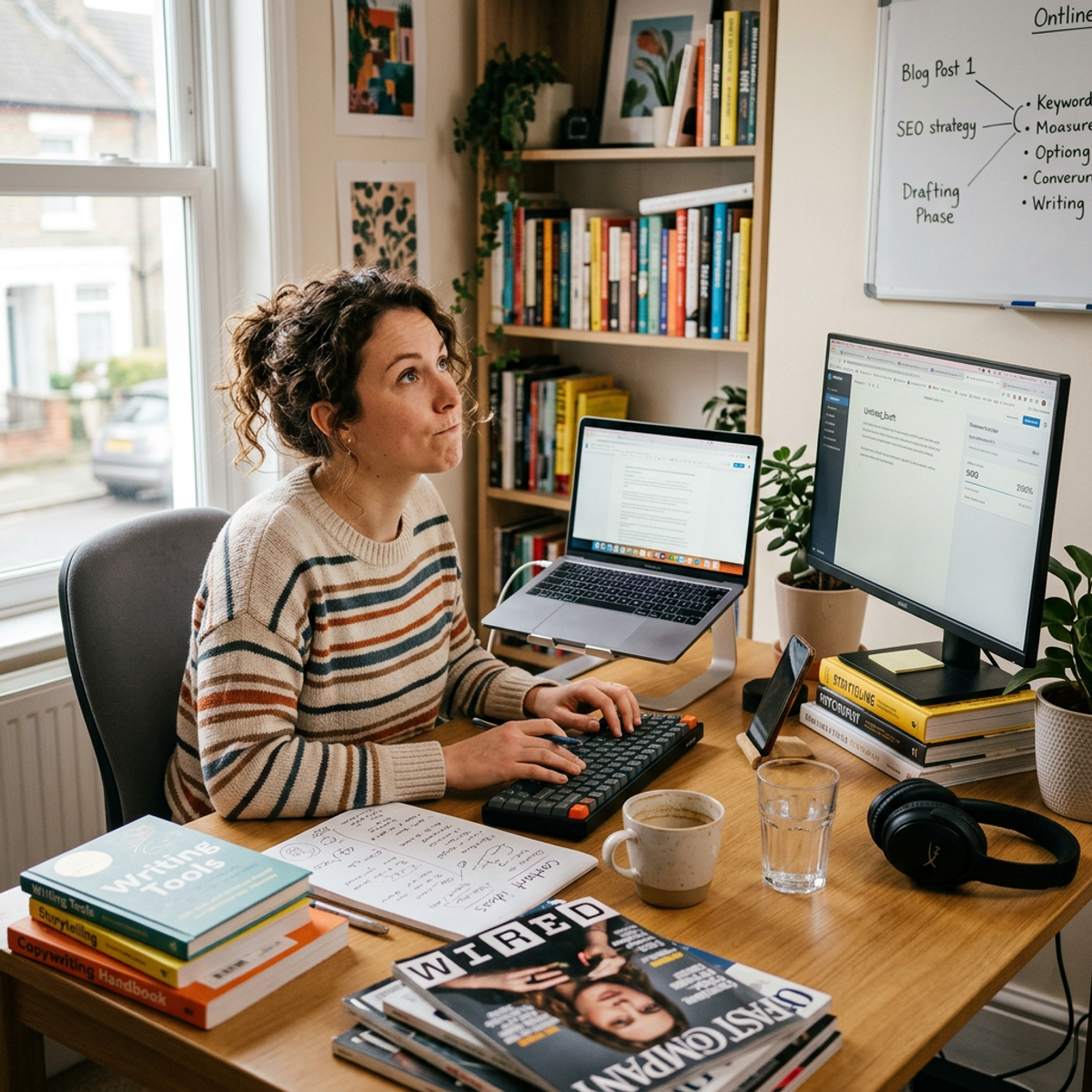
Write engaging content for media This guide shows beginners how to start content writing with a realistic first week, the gear that actually matters, and mistakes to skip. Difficulty: beginner. Category: Creative.
Why try Content Writing
- Content Writing is a creative hobby you can begin without a huge commitment.
- A beginner path means you can get a first result using Logitech K380 Multi-Device Bluetooth Keyboard.
- Major Hobbies curates three kits so you buy what you need for Content Writing, not a whole store aisle.
Starter kits
Some links are Amazon Associates links. We may earn a commission at no extra cost to you.
Budget
Budget Starter
The bare essentials to start writing content digitally and on paper — a reliable keyboard, basic writing tools, and free/low-cost software access.
$55-$75 estimated
- Logitech K380 Multi-Device Bluetooth Keyboard$39.99
Compact, reliable keyboard for writing on any device. Great entry-level option for writers without a desktop setup.
Amazon (affiliate)
- Moleskine Classic Notebook Pocket Ruled (3.5x5.5)$13.99
For brainstorming, outlines, and jotting ideas on the go before drafting digitally.
Amazon (affiliate)
- Pilot G2 Premium Retractable Gel Pens Fine Point 0.7mm (12-pack)$10.49
Smooth, reliable everyday writing pens for note-taking and handwritten drafts.
Amazon (affiliate)
- Google Docs (Free via Google Account)$0.00
Free cloud-based word processor. Industry standard for beginner content writers — no cost required.
Amazon (affiliate)
- Grammarly Free Plan (Browser Extension)$0.00
Free grammar and spell-check tool. Essential for catching errors in blog posts, articles, and web copy.
Amazon (affiliate)
Mid-range
Mid-Level Writer Setup
A step up with better hardware, a premium grammar/style tool, and a dedicated writing app to improve productivity and output quality.
$175-$220 estimated
- Logitech MX Keys Advanced Wireless Illuminated Keyboard$99.99
Premium tactile keyboard favored by writers and creatives. Backlit, comfortable for long writing sessions.
Amazon (affiliate)
- Leuchtturm1917 Medium A5 Hardcover Dot Grid Notebook$24.95
Higher-quality journal for content planning, mind maps, and editorial calendars.
Amazon (affiliate)
- Grammarly Premium (Monthly Subscription)$29.95
Unlocks advanced style, clarity, tone, and plagiarism-check features — critical for professional content writers.
Amazon (affiliate)
- Hemingway Editor Plus (One-Time Purchase)$19.99
Desktop app that highlights complex sentences, passive voice, and readability issues. Great for polishing web content.
Amazon (affiliate)
- Pilot Iroshizuku Fountain Pen Ink + LAMY Safari Fountain Pen Set$24.99
A quality fountain pen for journaling and handwriting drafts — makes the writing process more enjoyable and intentional.
Amazon (affiliate)
Premium kit (not a paid feature)
Premium Writer's Workstation
Professional-grade writing tools, a distraction-free writing device, top-tier grammar software, and an ergonomic setup built for serious content creators.
$445-$550 estimated
- Freewrite Traveler Distraction-Free Smart Typewriter$349.00
A dedicated e-ink distraction-free writing device. Beloved by professional authors and content creators for deep focus writing.
Amazon (affiliate)
- Grammarly Business Plan (Monthly Subscription)$25.00
Full-featured grammar, style, tone, clarity, and brand voice tools used by professional content teams.
Amazon (affiliate)
- Scrivener 3 for Windows or Mac (Literature & Latte)$59.99
Industry-leading writing software for organizing long-form content, blog series, scripts, and editorial projects.
Amazon (affiliate)
- Baron Fig Confidant Plus Hardcover Notebook (A5)$29.00
Premium dot-grid notebook used by designers, writers, and creatives. High-quality paper with a lay-flat binding.
Amazon (affiliate)
- TWSBI Eco Fountain Pen with Diamine Inkvent Ink Bottle$32.99
Enthusiast-grade fountain pen for journaling and manuscript drafts. Smooth writing experience that inspires creativity.
Amazon (affiliate)
Your first week of Content Writing
- Day 1: Read this page and pick the budget kit for Content Writing. Order or borrow Logitech K380 Multi-Device Bluetooth Keyboard.
- Day 2: Set up a small space. Watch one beginner demo specific to Content Writing.
- Day 3: Do a 20–30 minute first session. Goal: finish something tiny, not perfect.
- Day 4: Rest or review notes. Log the session in Major Hobbies Track.
- Day 5: Second session. Repeat yesterday, 10% slower and cleaner.
- Day 6: Join the Content Writing community or find a spot Near You.
- Day 7: Share one photo or note of what you made. Plan week two.
Tips
- Start with Budget Starter before upgrading.
- Protect your time: two short Content Writing sessions beat one exhausted marathon.
- Take a photo of your setup so you can reset it next time.
- Ask one question in Community instead of buying more tools.
- If you stall, drop difficulty, not the hobby.
FAQ
How much does it cost to start Content Writing?
Most beginners start around $55-$75 with the Budget Starter. Mid and premium kits exist when you know you will stick with Content Writing.
Is Content Writing good for beginners?
Yes. Content Writing is marked beginner-friendly on Major Hobbies.
What do I need for Content Writing?
Open the three starter kits on this page. The budget list is the honest minimum for Content Writing.
Where can I do Content Writing near me?
Use Near You on this page or majorhobbies.com/near?q=Content%20Writing to find classes, studios, and venues.