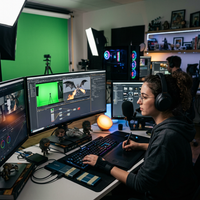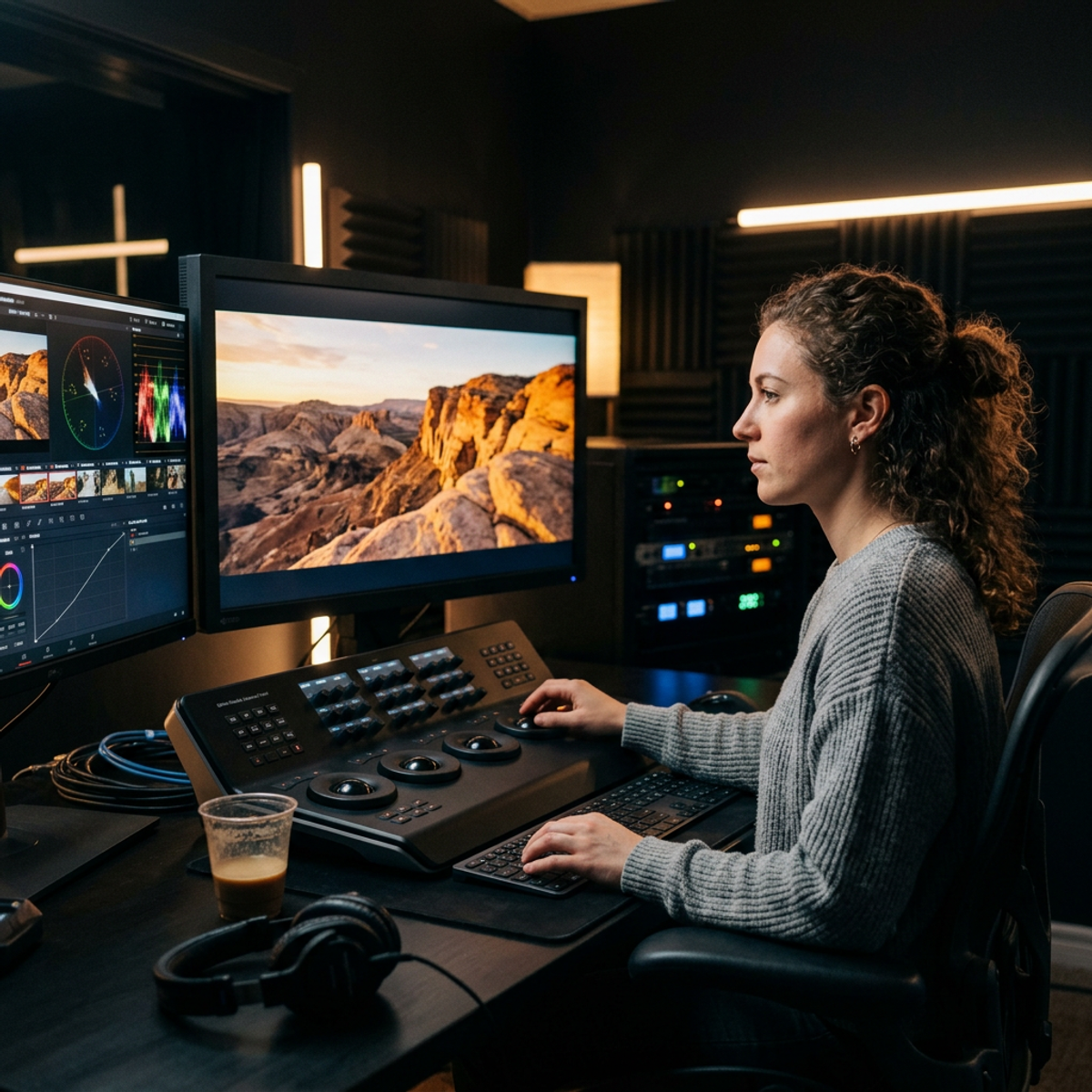
Color correct and grade films This guide shows beginners how to start color grading with a realistic first week, the gear that actually matters, and mistakes to skip. Difficulty: advanced. Category: Tech.
Why try Color Grading
- Color Grading is a tech hobby you can begin without a huge commitment.
- A advanced path means you can get a first result using DaVinci Resolve Studio (Perpetual License).
- Major Hobbies curates three kits so you buy what you need for Color Grading, not a whole store aisle.
Starter kits
Some links are Amazon Associates links. We may earn a commission at no extra cost to you.
Budget
Budget Color Grading Starter
Entry-level setup for beginners learning color grading using free or low-cost software with a basic color-accurate monitor and control surface.
$1220-$1500 estimated
- DaVinci Resolve Studio (Perpetual License)$295
The industry-standard color grading software. The free version of DaVinci Resolve is also available at no cost — this paid license unlocks all pro features. Beginners can start with the free version to save money.
Amazon (affiliate)
- BenQ BL2420PT 24" IPS Monitor$229
Color-accurate IPS panel with sRGB coverage, essential for making reliable grading decisions. Budget alternative to professional reference monitors.
Amazon (affiliate)
- Datacolor SpyderX Pro Monitor Calibrator$99
Hardware colorimeter to calibrate your monitor to accurate color standards. Non-negotiable for any color work — without calibration, your grades won't translate.
Amazon (affiliate)
- Loupedeck CT Console$549
Skip at budget tier — at budget level, use mouse/keyboard shortcuts in DaVinci Resolve instead. Listed for awareness; not required to start.
Amazon (affiliate)
- Elgato Stream Deck MK.2 (15-key) — used as shortcut panel$99
Affordable programmable shortcut panel to speed up workflow in DaVinci Resolve with custom key bindings for grade tools.
Amazon (affiliate)
- SanDisk 1TB Extreme Portable SSD$89
Fast external storage for RAW and log footage. Color grading files are large; a fast drive prevents dropped frames during playback.
Amazon (affiliate)
Mid-range
Mid-Level Color Grading Setup
A serious hobbyist or semi-professional setup with a proper reference monitor, hardware control surface, and professional calibration tools.
$1730-$2120 estimated
- DaVinci Resolve Studio (Perpetual License)$295
Full professional color grading software with noise reduction, 3D keyer, and collaboration tools unlocked in the Studio version.
Amazon (affiliate)
- ASUS ProArt PA278QV 27" WQHD Professional Monitor$299
Factory-calibrated, 100% sRGB and Rec. 709 coverage, Delta E < 2. Reliable color accuracy for professional grading work without the reference monitor price tag.
Amazon (affiliate)
- Datacolor SpyderX Elite Monitor Calibrator$169
Advanced calibration hardware supporting multiple monitor profiles, ambient light compensation, and video content calibration presets.
Amazon (affiliate)
- Blackmagic Design DaVinci Resolve Micro Panel$995
Purpose-built hardware control surface for DaVinci Resolve with three trackballs and ring controls for lift/gamma/gain. Dramatically speeds up grading workflow.
Amazon (affiliate)
- Samsung T7 Shield 2TB Portable SSD$119
Rugged, fast external SSD for storing large RAW/log footage libraries. USB 3.2 Gen 2 speeds ensure smooth playback of high-resolution media.
Amazon (affiliate)
- Pantone Color Match Card (for on-set reference)$49
Physical color reference card used alongside digital scopes to validate skin tones and memory colors during grading sessions.
Amazon (affiliate)
Premium kit (not a paid feature)
Professional Color Grading Suite
Best-in-class professional color grading environment with a broadcast-grade reference monitor, full-size control surface, and industry-standard calibration hardware.
$33775-$41290 estimated
- DaVinci Resolve Studio (Perpetual License)$295
The definitive professional color grading and finishing platform used in Hollywood productions.
Amazon (affiliate)
- Sony BVM-HX310 31" 4K OLED Reference Monitor$3,800
Broadcast-grade OLED reference monitor with 1000 nit peak brightness, HDR support, and pinpoint color accuracy used in professional post-production suites worldwide.
Amazon (affiliate)
- Klein Instruments K-10-A Video Colorimeter$699
Professional-grade colorimeter used in broadcast facilities for precise reference monitor profiling and calibration beyond what consumer tools offer.
Amazon (affiliate)
- Blackmagic Design DaVinci Resolve Advanced Panel$29,995
Full broadcast-grade control surface — listed for reference. For enthusiast-level premium, the Mini Panel at $2,995 is the realistic top-tier choice for non-facility colorists.
Amazon (affiliate)
- Blackmagic Design DaVinci Resolve Mini Panel$2,495
Professional-grade hardware panel with full trackball and ring controls plus dedicated keys for all primary grading tools. The top choice for serious colorists not in a full facility.
Amazon (affiliate)
- Samsung 870 EVO 4TB Internal SSD$249
High-capacity internal SSD for a dedicated media drive, ensuring fast, lag-free playback of 4K/6K RAW footage during intensive grading sessions.
Amazon (affiliate)
Your first week of Color Grading
- Day 1: Read this page and pick the budget kit for Color Grading. Order or borrow DaVinci Resolve Studio (Perpetual License).
- Day 2: Set up a small space. Watch one beginner demo specific to Color Grading.
- Day 3: Do a 20–30 minute first session. Goal: finish something tiny, not perfect.
- Day 4: Rest or review notes. Log the session in Major Hobbies Track.
- Day 5: Second session. Repeat yesterday, 10% slower and cleaner.
- Day 6: Join the Color Grading community or find a spot Near You.
- Day 7: Share one photo or note of what you made. Plan week two.
Tips
- Start with Budget Color Grading Starter before upgrading.
- Protect your time: two short Color Grading sessions beat one exhausted marathon.
- Take a photo of your setup so you can reset it next time.
- Ask one question in Community instead of buying more tools.
- If you stall, drop difficulty, not the hobby.
FAQ
How much does it cost to start Color Grading?
Most beginners start around $1220-$1500 with the Budget Color Grading Starter. Mid and premium kits exist when you know you will stick with Color Grading.
Is Color Grading good for beginners?
Color Grading is listed as advanced, but you can still start with the budget kit and a short first week.
What do I need for Color Grading?
Open the three starter kits on this page. The budget list is the honest minimum for Color Grading.
Where can I do Color Grading near me?
Use Near You on this page or majorhobbies.com/near?q=Color%20Grading to find classes, studios, and venues.