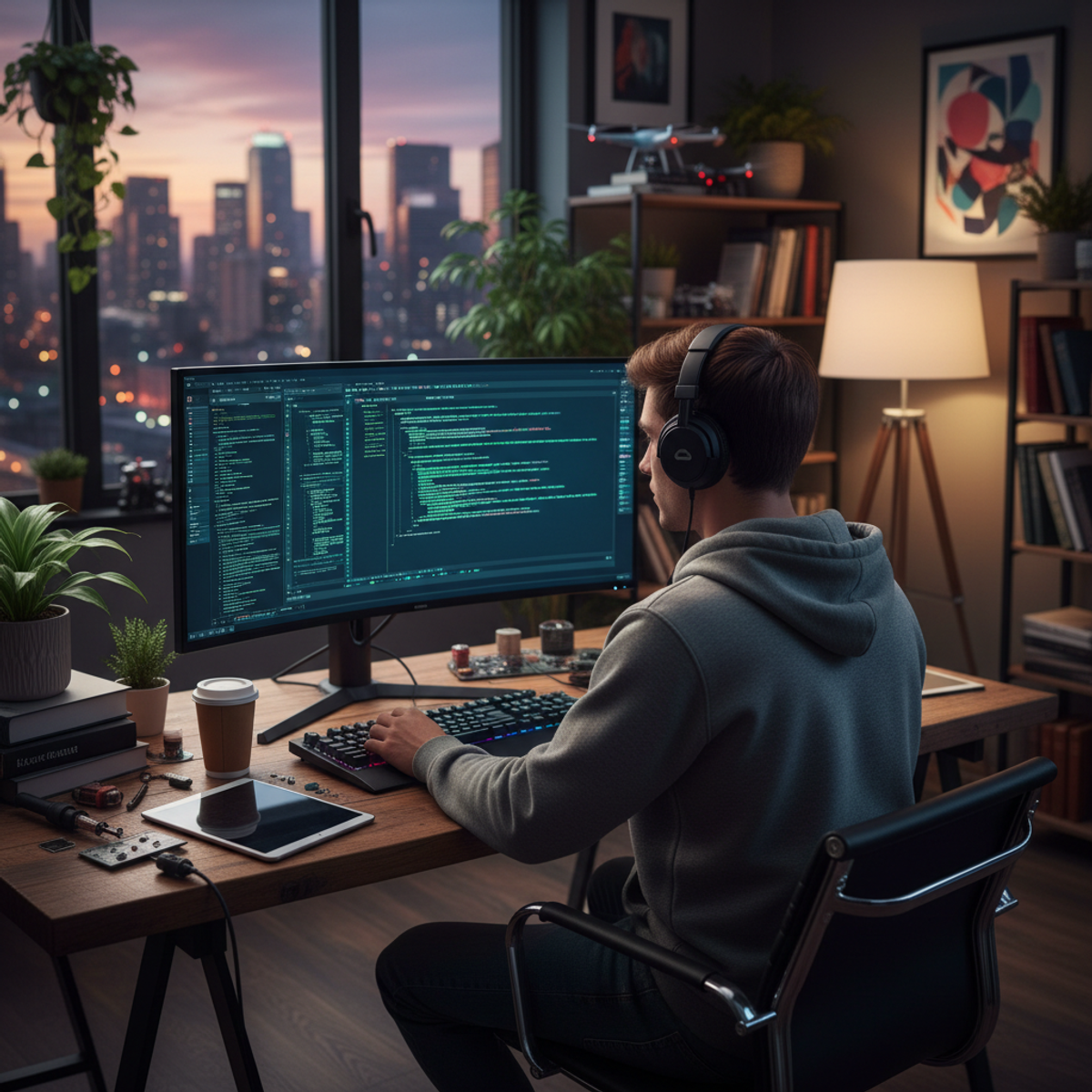
Learn to program and develop software applications This guide shows beginners how to start coding with a realistic first week, the gear that actually matters, and mistakes to skip. Difficulty: beginner. Category: Tech.
Why try Coding
- Coding is a tech hobby you can begin without a huge commitment.
- A beginner path means you can get a first result using Acer Aspire 3 A315 Laptop (AMD Ryzen 3, 8GB RAM, 256GB SSD).
- Major Hobbies curates three kits so you buy what you need for Coding, not a whole store aisle.
Starter kits
Some links are Amazon Associates links. We may earn a commission at no extra cost to you.
Budget
Budget Coding Starter Setup
Everything a beginner needs to start coding from scratch: a capable laptop, free software, and structured learning resources.
$195-$240 estimated
- Acer Aspire 3 A315 Laptop (AMD Ryzen 3, 8GB RAM, 256GB SSD)$179.00
Reliable entry-level laptop capable of running VS Code, Python, and web browsers for learning.
Amazon (affiliate)
- Visual Studio Code (Free Download)$0.00
The industry-standard free code editor — supports every major language with extensions.
Amazon (affiliate)
- Python Crash Course, 3rd Edition by Eric Matthes (Paperback)$23.49
Best-rated beginner Python book — project-based with games, data viz, and web apps.
Amazon (affiliate)
- Logitech M185 Wireless Mouse$14.99
Comfortable mouse for extended coding sessions — far better than a trackpad.
Amazon (affiliate)
Mid-range
Mid-Range Coding Workstation
A proper coding setup with a better laptop, external monitor, mechanical keyboard, and premium learning resources for someone getting serious.
$1230-$1510 estimated
- Apple MacBook Air M2 13-inch (8GB RAM, 256GB SSD)$999.00
The gold standard for developers — Unix-based, fanless, and blazing fast for coding and web dev.
Amazon (affiliate)
- LG 24MK430H-B 24-inch FHD IPS Monitor$129.99
External monitor dramatically improves productivity — run code on one side, browser on the other.
Amazon (affiliate)
- Keychron K2 Wireless Mechanical Keyboard (Red Switch)$89.99
Popular mechanical keyboard among developers — tactile and comfortable for long sessions.
Amazon (affiliate)
- Logitech MX Master 3S Wireless Mouse$99.99
Ergonomic productivity mouse loved by developers — fast scrolling and customizable buttons.
Amazon (affiliate)
- The Pragmatic Programmer: 20th Anniversary Edition by David Thomas$39.99
Essential read for developers getting serious — covers best practices and professional mindset.
Amazon (affiliate)
- GitHub Copilot Individual Subscription (1 month)$10.00
AI pair programmer that autocompletes code — massively accelerates learning and productivity.
Amazon (affiliate)
Premium kit (not a paid feature)
Premium Developer Workstation
A full professional developer environment with a top-tier laptop, ultra-wide monitor, standing desk, and elite peripherals for maximum productivity.
$2915-$3565 estimated
- Apple MacBook Pro 14-inch M3 Pro (18GB RAM, 512GB SSD)$1,999.00
The definitive professional developer laptop — handles Xcode, Docker, AI models, and full-stack dev with ease.
Amazon (affiliate)
- LG 34WN80C-B 34-inch UltraWide QHD IPS Monitor$396.99
Ultra-wide monitor lets you split code, terminal, and browser across one beautiful screen.
Amazon (affiliate)
- Das Keyboard 6 Professional Mechanical Keyboard (Cherry MX Blue)$169.00
Legendary build quality mechanical keyboard used by serious developers worldwide.
Amazon (affiliate)
- Logitech MX Master 3S for Mac (Space Grey)$99.99
Best-in-class mouse optimized for macOS with fast scrolling and app-specific profiles.
Amazon (affiliate)
- Autonomous SmartDesk Pro (Height-Adjustable Standing Desk)$499.00
Electric sit-stand desk essential for healthy long coding sessions — programmable height memory.
Amazon (affiliate)
- Clean Code by Robert C. Martin + Designing Data-Intensive Applications by Martin Kleppmann (bundle)$74.98
Two must-own books for serious engineers — cover software craftsmanship and system design.
Amazon (affiliate)
Your first week of Coding
- Day 1: Read this page and pick the budget kit for Coding. Order or borrow Acer Aspire 3 A315 Laptop (AMD Ryzen 3, 8GB RAM, 256GB SSD).
- Day 2: Set up a small space. Watch one beginner demo specific to Coding.
- Day 3: Do a 20–30 minute first session. Goal: finish something tiny, not perfect.
- Day 4: Rest or review notes. Log the session in Major Hobbies Track.
- Day 5: Second session. Repeat yesterday, 10% slower and cleaner.
- Day 6: Join the Coding community or find a spot Near You.
- Day 7: Share one photo or note of what you made. Plan week two.
Tips
- Start with Budget Coding Starter Setup before upgrading.
- Protect your time: two short Coding sessions beat one exhausted marathon.
- Take a photo of your setup so you can reset it next time.
- Ask one question in Community instead of buying more tools.
- If you stall, drop difficulty, not the hobby.
FAQ
How much does it cost to start Coding?
Most beginners start around $195-$240 with the Budget Coding Starter Setup. Mid and premium kits exist when you know you will stick with Coding.
Is Coding good for beginners?
Yes. Coding is marked beginner-friendly on Major Hobbies.
What do I need for Coding?
Open the three starter kits on this page. The budget list is the honest minimum for Coding.
Where can I do Coding near me?
Use Near You on this page or majorhobbies.com/near?q=Coding to find classes, studios, and venues.