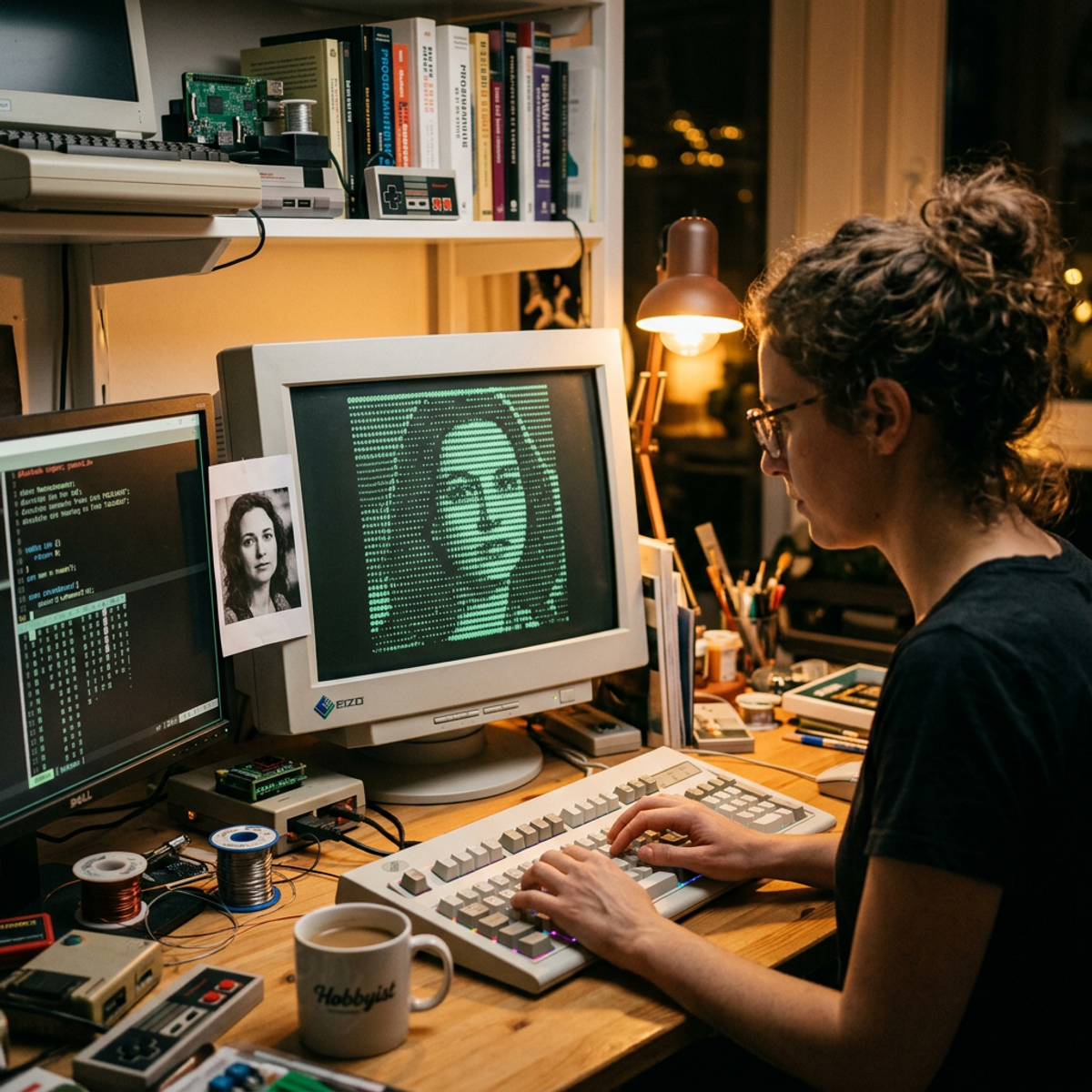
Create art using ASCII characters This guide shows beginners how to start ascii art with a realistic first week, the gear that actually matters, and mistakes to skip. Difficulty: beginner. Category: Creative.
Why try ASCII Art
- ASCII Art is a creative hobby you can begin without a huge commitment.
- A beginner path means you can get a first result using Notepad++ (Free Text Editor, Windows).
- Major Hobbies curates three kits so you buy what you need for ASCII Art, not a whole store aisle.
Starter kits
Some links are Amazon Associates links. We may earn a commission at no extra cost to you.
Budget
Budget ASCII Art Starter
ASCII art is arguably the cheapest creative hobby imaginable — all you truly need is a keyboard and a text editor. This kit optimizes that minimal setup.
$15-$25 estimated
- Notepad++ (Free Text Editor, Windows)$0.00
Free, lightweight, and supports monospace fonts perfectly. Download at notepad-plus-plus.org. Use Courier New or Lucida Console font at size 10-12 for traditional ASCII art.
Amazon (affiliate)
- Logitech K120 Wired USB Full-Size Keyboard$12.99
A full-size keyboard with a number pad is essential — ASCII art uses every symbol and number on the keyboard. Compact keyboards miss key characters.
Amazon (affiliate)
- JDrawing ASCII Art Editor (Online, Free)$0.00
Use the free online tool at jdrawing.com or asciiflow.com — purpose-built grid editors that make placing characters and building shapes much easier than raw text editors.
Amazon (affiliate)
- Avery Printable Graph Paper Pad 8.5x11 (50 Sheets)$8.99
Print out your ASCII art pieces to plan compositions on paper before typing them out. Graph paper maps 1:1 with character grid spacing.
Amazon (affiliate)
Mid-range
Mid-Tier ASCII Art Setup
A mechanical keyboard for satisfying and accurate typing, a better monitor for long sessions, and dedicated ASCII art software for creating complex pieces.
$195-$245 estimated
- Keychron K2 V2 Wireless Mechanical Keyboard (Red Switch)$79.99
Compact tenkeyless layout with full symbol row access. Linear red switches allow fast, fatigue-free typing for long ASCII art sessions. Bluetooth or USB-C.
Amazon (affiliate)
- Sublime Text 4 (Code/Text Editor, One-Time License)$99.00
Premium text editor with column selection (multi-cursor editing) — a killer feature for ASCII art that lets you edit rectangular blocks of characters simultaneously.
Amazon (affiliate)
- REXPaint ASCII Art Editor (Free)$0.00
Completely free dedicated ASCII/ANSI art tool from Grid Sage Games. Color support, layers, and export to PNG or TXT. Download at gridsagegames.com/rexpaint.
Amazon (affiliate)
- Ergear USB-C 15.6" Portable Monitor (1080p IPS)$39.99
A second screen to preview your ASCII piece full-screen in a terminal while editing on your primary screen. Doubles productivity for text-based art.
Amazon (affiliate)
Premium kit (not a paid feature)
Premium ASCII Art Workstation
A top-tier mechanical keyboard for elite typing feel, a large color-accurate monitor for ANSI art with full color, and professional software tools for serious ASCII/ANSI artists.
$510-$630 estimated
- Das Keyboard 6 Professional Mechanical Keyboard (Cherry MX Brown)$169.00
Premium aluminum chassis, Cherry MX Brown tactile switches, full-size layout with dedicated numpad. The benchmark keyboard for professional typists and ASCII artists.
Amazon (affiliate)
- ASUS ProArt PA278CV 27" IPS Monitor (2560x1440)$249.99
27" 2K IPS panel with 100% sRGB. At 1440p, you can display far more characters on screen simultaneously — critical for large ANSI color art pieces.
Amazon (affiliate)
- PabloDraw ANSI/ASCII Art Editor (Free)$0.00
The professional-grade ANSI art tool used by the BBS art scene. Supports full 256-color ANSI, real-time collaboration over TCP, and authentic retro rendering.
Amazon (affiliate)
- JetBrains Mono Font Pack (Free) + Custom Terminal Setup$0.00
JetBrains Mono is the cleanest monospace font for ASCII art — pixel-perfect character spacing and ligature support. Free from jetbrains.com/mono.
Amazon (affiliate)
- Elgato Stream Deck MK.2 (15-Key)$149.99
Map macros to frequently used ASCII character combos (borders, shading blocks like ░▒▓, box-drawing chars). Dramatically speeds up complex art creation with one-press character insertion.
Amazon (affiliate)
Your first week of ASCII Art
- Day 1: Read this page and pick the budget kit for ASCII Art. Order or borrow Notepad++ (Free Text Editor, Windows).
- Day 2: Set up a small space. Watch one beginner demo specific to ASCII Art.
- Day 3: Do a 20–30 minute first session. Goal: finish something tiny, not perfect.
- Day 4: Rest or review notes. Log the session in Major Hobbies Track.
- Day 5: Second session. Repeat yesterday, 10% slower and cleaner.
- Day 6: Join the ASCII Art community or find a spot Near You.
- Day 7: Share one photo or note of what you made. Plan week two.
Tips
- Start with Budget ASCII Art Starter before upgrading.
- Protect your time: two short ASCII Art sessions beat one exhausted marathon.
- Take a photo of your setup so you can reset it next time.
- Ask one question in Community instead of buying more tools.
- If you stall, drop difficulty, not the hobby.
FAQ
How much does it cost to start ASCII Art?
Most beginners start around $15-$25 with the Budget ASCII Art Starter. Mid and premium kits exist when you know you will stick with ASCII Art.
Is ASCII Art good for beginners?
Yes. ASCII Art is marked beginner-friendly on Major Hobbies.
What do I need for ASCII Art?
Open the three starter kits on this page. The budget list is the honest minimum for ASCII Art.
Where can I do ASCII Art near me?
Use Near You on this page or majorhobbies.com/near?q=ASCII%20Art to find classes, studios, and venues.