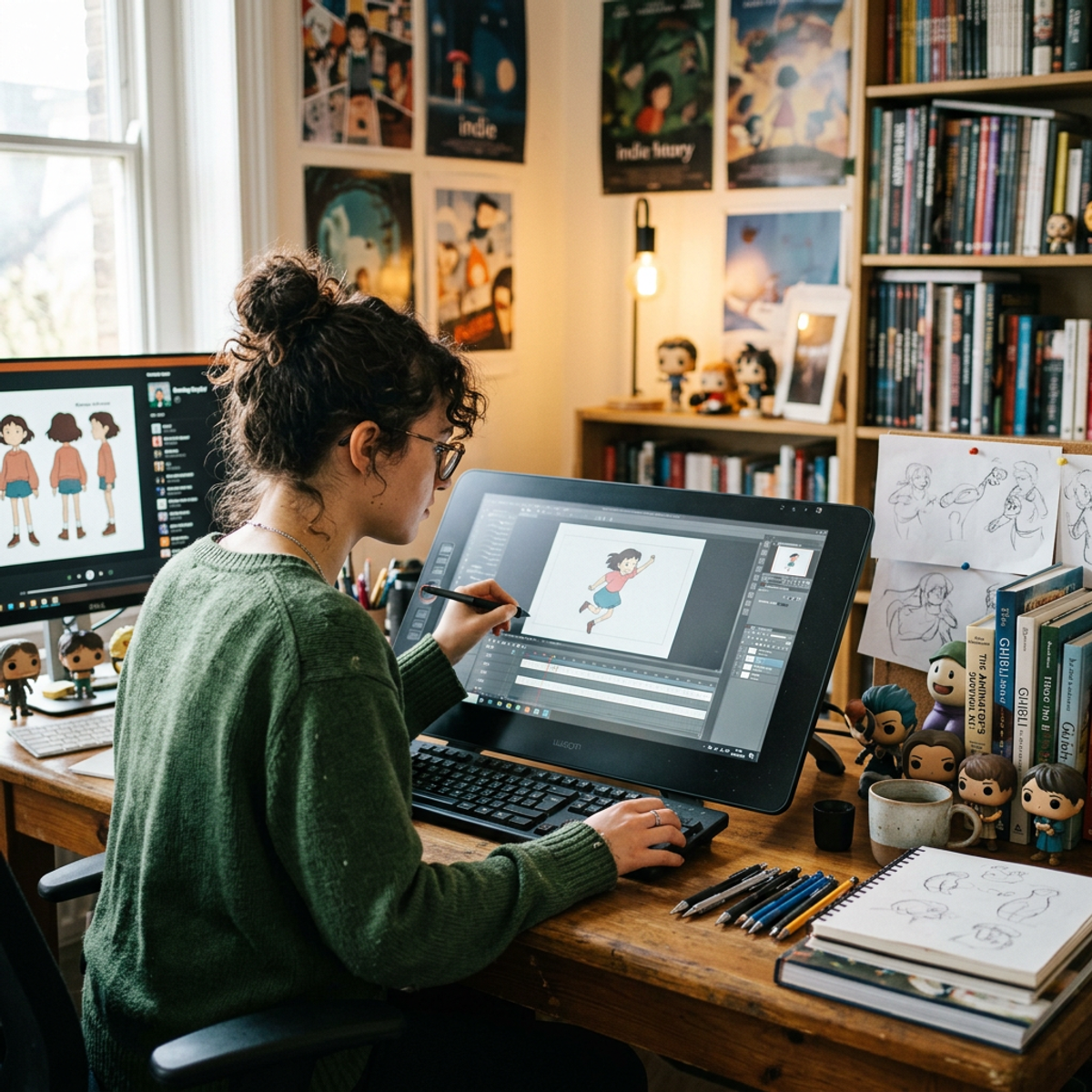
Create traditional 2D animations This guide shows beginners how to start 2d animation with a realistic first week, the gear that actually matters, and mistakes to skip. Difficulty: intermediate. Category: Creative.
Why try 2D Animation
- 2D Animation is a creative hobby you can begin without a huge commitment.
- A intermediate path means you can get a first result using Huion H430P USB Drawing Tablet.
- Major Hobbies curates three kits so you buy what you need for 2D Animation, not a whole store aisle.
Starter kits
Some links are Amazon Associates links. We may earn a commission at no extra cost to you.
Budget
Budget 2D Animation Starter Kit
The bare minimum to start creating 2D frame-by-frame or tweened animation digitally on a budget.
$80-$105 estimated
- Huion H430P USB Drawing Tablet$20
Entry-level pen tablet for drawing animation frames digitally. A mouse cannot substitute for natural drawing.
Amazon (affiliate)
- Clip Studio Paint EX (One-Time Purchase)$50
Affordable professional-grade 2D animation software with timeline, onion skin, and frame-by-frame tools. Far superior to free options for animation.
Amazon (affiliate)
- OpenToonz (Free, open-source)$0
Free, open-source 2D animation software used by Studio Ghibli. Great free alternative or companion to Clip Studio.
Amazon (affiliate)
- Canson XL Recycled Sketch Pad 9x12 100 Sheets$10
For traditional thumbnail sketching and planning animation sequences before going digital.
Amazon (affiliate)
- Staedtler Lumograph Pencil Set 12pc (2H–8B range)$12
Used for rough animation thumbnails and storyboard planning. A range of hardness lets you sketch loosely and refine.
Amazon (affiliate)
Mid-range
Mid-Level 2D Animation Kit
A serious setup for the dedicated 2D animator — larger drawing surface, industry-standard software, and animation planning tools.
$350-$435 estimated
- Wacom Intuos Medium Bluetooth Drawing Tablet (CTL6100WLK0)$150
Wacom is the gold standard for drawing tablets. The Medium size gives proper room for animation gesture drawing.
Amazon (affiliate)
- Toon Boom Harmony Essentials (Annual Subscription)$120
Industry-standard 2D animation software used by major studios. Essentials tier covers rigging, tweening, and frame-by-frame animation.
Amazon (affiliate)
- Adobe Animate CC (Annual Plan via Creative Cloud)$55/month
The other industry-standard 2D animation tool. Excellent for vector animation and web/broadcast output. Often used alongside Harmony.
Amazon (affiliate)
- Preston Blair 'Cartoon Animation' Book$22
The definitive beginner-to-intermediate 2D animation reference book. Covers walk cycles, squash and stretch, timing, and more.
Amazon (affiliate)
- Lightbox Tracer LED A4 Ultra-Thin Light Pad$30
A light pad allows you to trace and refine traditionally drawn animation frames — essential for paper-based animation workflows.
Amazon (affiliate)
- Pentel GraphGear 1000 Mechanical Pencil 0.5mm$14
Professional-grade mechanical pencil for precise, clean storyboard and key frame sketching.
Amazon (affiliate)
Premium kit (not a paid feature)
Premium 2D Animation Studio Kit
Full professional 2D animation workstation setup — screen tablet, industry software, and reference materials used by working animators.
$930-$1145 estimated
- Wacom Cintiq 16 Drawing Tablet with Screen (DTK1660K0A)$650
Draw directly on screen — the setup professional 2D animators use. Eliminates the hand-eye disconnect of traditional tablets.
Amazon (affiliate)
- Toon Boom Harmony Advanced (Annual Subscription)$240/year
The Advanced tier of the studio industry standard, used on Spider-Man: Into the Spider-Verse and countless series. Adds node compositing and advanced rigging.
Amazon (affiliate)
- The Animator's Survival Kit by Richard Williams (Expanded Edition)$30
Widely considered the bible of animation. Essential reading for any serious 2D animator — covers timing, weight, walks, and performance.
Amazon (affiliate)
- Clip Studio Paint EX (One-Time Purchase for Concepts/Cleanup)$50
Used alongside Harmony for clean-up linework, concept art, and background painting.
Amazon (affiliate)
- Huion L4S LED Light Pad A4 for Tracing Frames$40
High-brightness, stepless dimming light pad for tracing and checking traditional animation overlays.
Amazon (affiliate)
- Moleskine Art Sketchbook A4 Hard Cover 96 Pages$28
Premium sketchbook for storyboarding, character design, and animation planning — the starting point of every animated production.
Amazon (affiliate)
Your first week of 2D Animation
- Day 1: Read this page and pick the budget kit for 2D Animation. Order or borrow Huion H430P USB Drawing Tablet.
- Day 2: Set up a small space. Watch one beginner demo specific to 2D Animation.
- Day 3: Do a 20–30 minute first session. Goal: finish something tiny, not perfect.
- Day 4: Rest or review notes. Log the session in Major Hobbies Track.
- Day 5: Second session. Repeat yesterday, 10% slower and cleaner.
- Day 6: Join the 2D Animation community or find a spot Near You.
- Day 7: Share one photo or note of what you made. Plan week two.
Tips
- Start with Budget 2D Animation Starter Kit before upgrading.
- Protect your time: two short 2D Animation sessions beat one exhausted marathon.
- Take a photo of your setup so you can reset it next time.
- Ask one question in Community instead of buying more tools.
- If you stall, drop difficulty, not the hobby.
FAQ
How much does it cost to start 2D Animation?
Most beginners start around $80-$105 with the Budget 2D Animation Starter Kit. Mid and premium kits exist when you know you will stick with 2D Animation.
Is 2D Animation good for beginners?
2D Animation is listed as intermediate, but you can still start with the budget kit and a short first week.
What do I need for 2D Animation?
Open the three starter kits on this page. The budget list is the honest minimum for 2D Animation.
Where can I do 2D Animation near me?
Use Near You on this page or majorhobbies.com/near?q=2D%20Animation to find classes, studios, and venues.