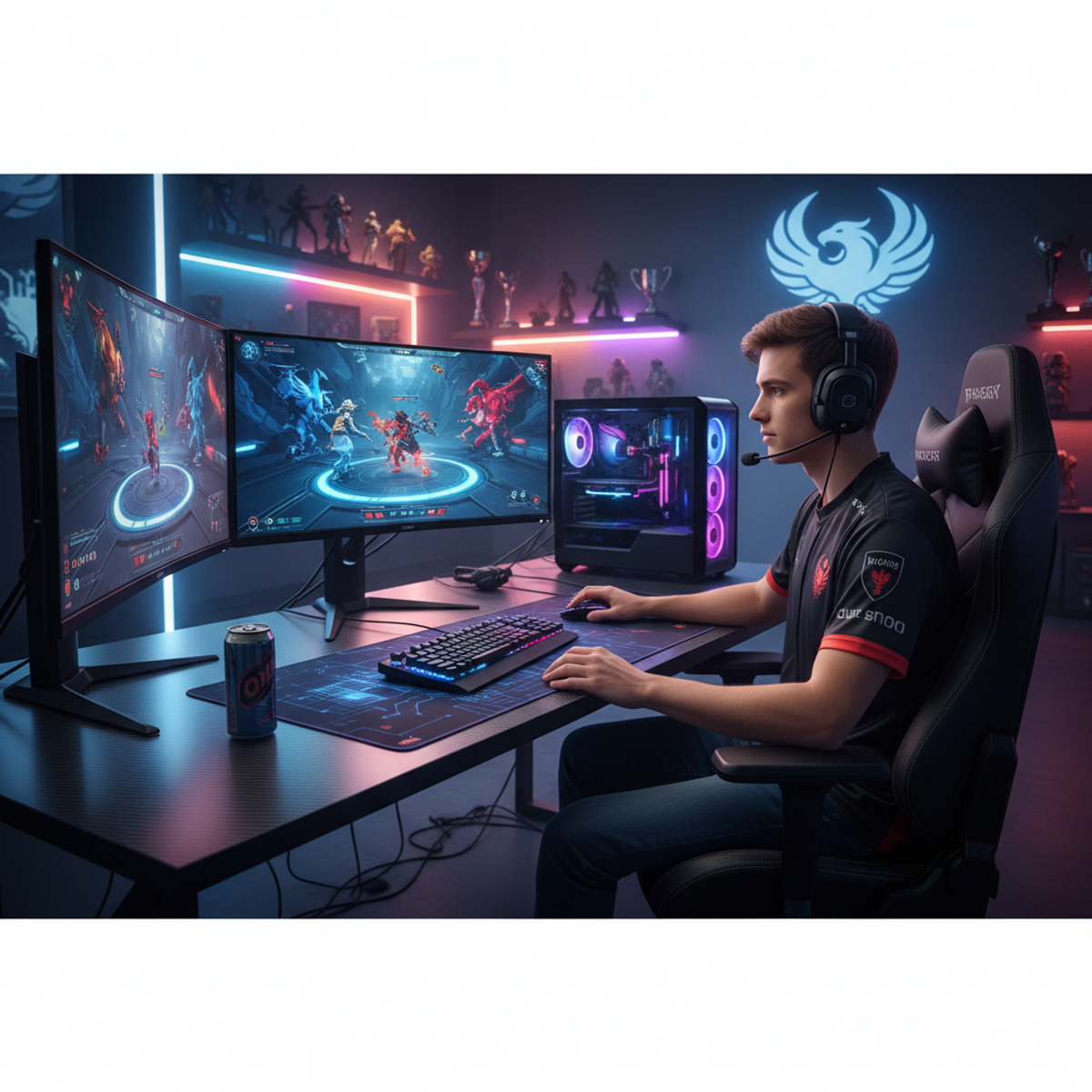
Compete in professional or amateur video game tournaments This guide shows beginners how to start esports with a realistic first week, the gear that actually matters, and mistakes to skip. Difficulty: intermediate. Category: Gaming.
Why try Esports
- Esports is a gaming hobby you can begin without a huge commitment.
- A intermediate path means you can get a first result using Logitech G203 LIGHTSYNC Wired Gaming Mouse.
- Major Hobbies curates three kits so you buy what you need for Esports, not a whole store aisle.
Starter kits
Some links are Amazon Associates links. We may earn a commission at no extra cost to you.
Budget
Budget Esports Setup
Entry-level gear to get into competitive gaming. Functional peripherals that won't hold you back at the start.
$285-$350 estimated
- Logitech G203 LIGHTSYNC Wired Gaming Mouse$30
Reliable entry-level gaming mouse with 8,000 DPI sensor — a top beginner pick.
Amazon (affiliate)
- Redragon K552 Kumara Tenkeyless Mechanical Gaming Keyboard$43
Budget mechanical keyboard with tactile red switches, great for gaming on a budget.
Amazon (affiliate)
- HyperX Cloud Stinger Wired Gaming Headset$50
Lightweight, comfortable headset with clear mic — essential for team communication in esports.
Amazon (affiliate)
- Corsair MM100 Cloth Gaming Mouse Pad (Medium)$15
Consistent surface for accurate mouse tracking — often overlooked but essential.
Amazon (affiliate)
- ASUS VG248QG 24" 165Hz Gaming Monitor$180
High refresh rate is critical for esports. This delivers smooth gameplay at a budget price.
Amazon (affiliate)
Mid-range
Mid-Tier Esports Setup
A serious step up in performance. Faster response times, better ergonomics, and peripherals used by semi-pro players.
$575-$705 estimated
- Logitech G502 X Wired Gaming Mouse$50
25K DPI HERO sensor with adjustable weights — precise and versatile for all esports titles.
Amazon (affiliate)
- SteelSeries Apex 3 TKL RGB Gaming Keyboard$60
Water-resistant tenkeyless keyboard with whisper-quiet switches ideal for extended gaming sessions.
Amazon (affiliate)
- HyperX Cloud II Wired Gaming Headset 7.1 Surround$100
Industry-beloved headset with virtual 7.1 surround — excellent positional audio for competitive play.
Amazon (affiliate)
- SteelSeries QcK Heavy Large Gaming Mouse Pad$35
Thick, heavy base prevents slipping; used by pro players worldwide.
Amazon (affiliate)
- LG 27GP850-B 27" Nano IPS 165Hz 1ms Gaming Monitor$350
Stunning color accuracy and lightning-fast response time — a favorite among competitive gamers.
Amazon (affiliate)
- Ergotron LX Desk Monitor Arm$45
Frees up desk space and allows precise monitor positioning for optimal ergonomics.
Amazon (affiliate)
Premium kit (not a paid feature)
Premium Esports Setup
Professional and enthusiast-grade gear used by top streamers and esports competitors. The absolute best in class.
$1765-$2165 estimated
- Logitech G Pro X Superlight 2 Wireless Gaming Mouse$160
Ultra-lightweight at 60g with HERO 2 sensor — the mouse of choice for pro esports athletes.
Amazon (affiliate)
- Wooting 60HE Analog Mechanical Gaming Keyboard$175
Hall-effect switches with rapid trigger technology — the top competitive keyboard in esports right now.
Amazon (affiliate)
- SteelSeries Arctis Nova Pro Wireless Gaming Headset$350
Dual-wireless system, active noise cancellation, and premium audio — the pinnacle of gaming headsets.
Amazon (affiliate)
- Artisan Zero Soft XL Gaming Mouse Pad$60
Japanese-engineered premium mouse pad beloved by pro FPS players for its consistent glide.
Amazon (affiliate)
- ASUS ROG Swift Pro PG248QP 24.1" 540Hz Gaming Monitor$700
540Hz refresh rate and 0.2ms response time — the most competitive monitor available today.
Amazon (affiliate)
- Secretlab TITAN Evo 2022 Gaming Chair$519
Endorsed by major esports organizations. Built for long sessions with lumbar support and premium foam.
Amazon (affiliate)
Your first week of Esports
- Day 1: Read this page and pick the budget kit for Esports. Order or borrow Logitech G203 LIGHTSYNC Wired Gaming Mouse.
- Day 2: Set up a small space. Watch one beginner demo specific to Esports.
- Day 3: Do a 20–30 minute first session. Goal: finish something tiny, not perfect.
- Day 4: Rest or review notes. Log the session in Major Hobbies Track.
- Day 5: Second session. Repeat yesterday, 10% slower and cleaner.
- Day 6: Join the Esports community or find a spot Near You.
- Day 7: Share one photo or note of what you made. Plan week two.
Tips
- Start with Budget Esports Setup before upgrading.
- Protect your time: two short Esports sessions beat one exhausted marathon.
- Take a photo of your setup so you can reset it next time.
- Ask one question in Community instead of buying more tools.
- If you stall, drop difficulty, not the hobby.
FAQ
How much does it cost to start Esports?
Most beginners start around $285-$350 with the Budget Esports Setup. Mid and premium kits exist when you know you will stick with Esports.
Is Esports good for beginners?
Esports is listed as intermediate, but you can still start with the budget kit and a short first week.
What do I need for Esports?
Open the three starter kits on this page. The budget list is the honest minimum for Esports.
Where can I do Esports near me?
Use Near You on this page or majorhobbies.com/near?q=Esports to find classes, studios, and venues.