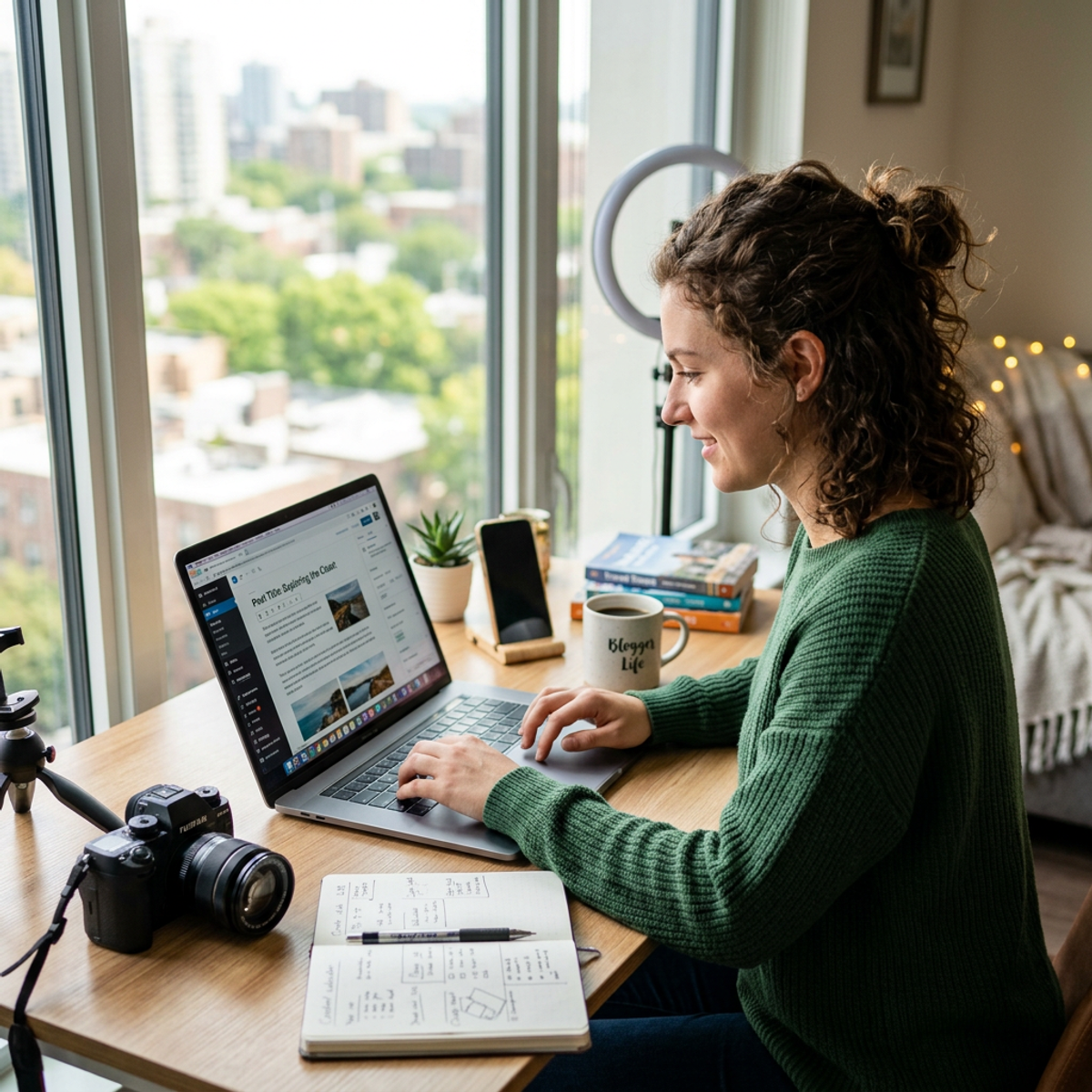
Write and maintain a blog about topics you're passionate about This guide shows beginners how to start blogging with a realistic first week, the gear that actually matters, and mistakes to skip. Difficulty: beginner. Category: Business.
Why try Blogging
- Blogging is a business hobby you can begin without a huge commitment.
- A beginner path means you can get a first result using Bluehost Basic Web Hosting Plan (1 Year).
- Major Hobbies curates three kits so you buy what you need for Blogging, not a whole store aisle.
Starter kits
Some links are Amazon Associates links. We may earn a commission at no extra cost to you.
Budget
Budget Blogging Starter Kit
The absolute minimum to launch a real blog with your own domain and hosting. Free tools cover design and writing — just pay for hosting and a domain.
$40-$55 estimated
- Bluehost Basic Web Hosting Plan (1 Year)$36
~$2.95/month for 12 months = ~$36. Includes one-click WordPress install and a free domain for year one.
Amazon (affiliate)
- Domain Name Registration via Namecheap (.com)$10
Your blog's web address (e.g. yourblog.com). ~$10-$12/year at Namecheap. Free with Bluehost in year one.
Amazon (affiliate)
- WordPress.org (Free CMS)$0
Free, open-source blogging platform. Powers 43% of the internet. Installed free via Bluehost.
Amazon (affiliate)
- Astra Free WordPress Theme$0
Fastest-loading free WordPress theme. No coding needed, mobile-responsive out of the box.
Amazon (affiliate)
- Canva Free Plan (Graphics & Cover Images)$0
Free browser-based design tool for creating blog header images, social graphics, and thumbnails.
Amazon (affiliate)
- Grammarly Free Plan (Browser Extension)$0
Free grammar and spell-check tool that integrates into your browser for error-free writing.
Amazon (affiliate)
Mid-range
Mid-Tier Blogging Setup
A serious blogging toolkit with better hosting, a premium theme, and SEO tools. For bloggers who want to grow traffic and potentially monetize.
$340-$425 estimated
- SiteGround GrowBig Hosting Plan (1 Year)$84
~$6.99/month for 12 months = ~$84. Faster speeds, daily backups, and staging site vs. budget hosts.
Amazon (affiliate)
- Kadence WP Pro WordPress Theme Bundle$89
Premium, lightweight theme with a full block builder, starter templates, and WooCommerce support.
Amazon (affiliate)
- RankMath SEO Pro Plugin (Annual)$59
Best-value SEO plugin for WordPress. Handles on-page SEO, schema markup, and Google Search Console linking.
Amazon (affiliate)
- Canva Pro Subscription (Annual)$120
~$10/month billed annually. Unlocks brand kits, premium templates, and background removal for professional graphics.
Amazon (affiliate)
- Logitech MK270 Wireless Keyboard and Mouse Combo$30
Comfortable wireless keyboard/mouse for long writing sessions. Reliable and widely available.
Amazon (affiliate)
Premium kit (not a paid feature)
Premium Blogging Professional Setup
A full professional blogging stack with managed hosting, premium SEO tooling, AI writing assistance, and ergonomic hardware for daily long-form writing.
$750-$925 estimated
- WP Engine Startup Managed WordPress Hosting (Annual)$240
~$20/month. The gold standard in managed WordPress hosting — blazing fast CDN, automatic backups, and dev staging.
Amazon (affiliate)
- GeneratePress Premium WordPress Theme (Lifetime)$249
Lifetime license for the fastest, most developer-praised WordPress theme. Used by SEO professionals worldwide.
Amazon (affiliate)
- Ahrefs Lite SEO Tool (Monthly Subscription)$99/mo
Industry-leading SEO research platform. Find keywords, track rankings, spy on competitors — used by professional bloggers.
Amazon (affiliate)
- Jasper AI Writer Pro Plan (Monthly)$49/mo
AI writing assistant for drafting outlines, intros, and beating writer's block. Used by top content marketers.
Amazon (affiliate)
- Logitech MX Keys Advanced Wireless Keyboard$100
Premium backlit keyboard optimized for typing comfort and productivity during marathon writing sessions.
Amazon (affiliate)
- Logitech MX Master 3S Wireless Performance Mouse$100
Best productivity mouse for desktop blogging work. Ergonomic, ultra-precise, and pairs with the MX Keys perfectly.
Amazon (affiliate)
Your first week of Blogging
- Day 1: Read this page and pick the budget kit for Blogging. Order or borrow Bluehost Basic Web Hosting Plan (1 Year).
- Day 2: Set up a small space. Watch one beginner demo specific to Blogging.
- Day 3: Do a 20–30 minute first session. Goal: finish something tiny, not perfect.
- Day 4: Rest or review notes. Log the session in Major Hobbies Track.
- Day 5: Second session. Repeat yesterday, 10% slower and cleaner.
- Day 6: Join the Blogging community or find a spot Near You.
- Day 7: Share one photo or note of what you made. Plan week two.
Tips
- Start with Budget Blogging Starter Kit before upgrading.
- Protect your time: two short Blogging sessions beat one exhausted marathon.
- Take a photo of your setup so you can reset it next time.
- Ask one question in Community instead of buying more tools.
- If you stall, drop difficulty, not the hobby.
FAQ
How much does it cost to start Blogging?
Most beginners start around $40-$55 with the Budget Blogging Starter Kit. Mid and premium kits exist when you know you will stick with Blogging.
Is Blogging good for beginners?
Yes. Blogging is marked beginner-friendly on Major Hobbies.
What do I need for Blogging?
Open the three starter kits on this page. The budget list is the honest minimum for Blogging.
Where can I do Blogging near me?
Use Near You on this page or majorhobbies.com/near?q=Blogging to find classes, studios, and venues.